
Imagine landing on a website and finding exactly what you need without any distractions. A static homepage in WordPress can make that happen for your site.
As you look to optimize your online presence, understanding the benefits of a static homepage is crucial. It’s not just about aesthetics; it’s about creating an engaging user experience that keeps visitors glued to your content. You might be asking, “Why should I care about a static homepage?
” Well, it’s about having full control over what your audience sees first. This is your chance to make a stunning first impression, showcase your brand, and guide visitors to where you want them to go. Dive into this article to discover how a static homepage can transform your website into a powerful tool for engagement and conversion.
Credit: www.youtube.com
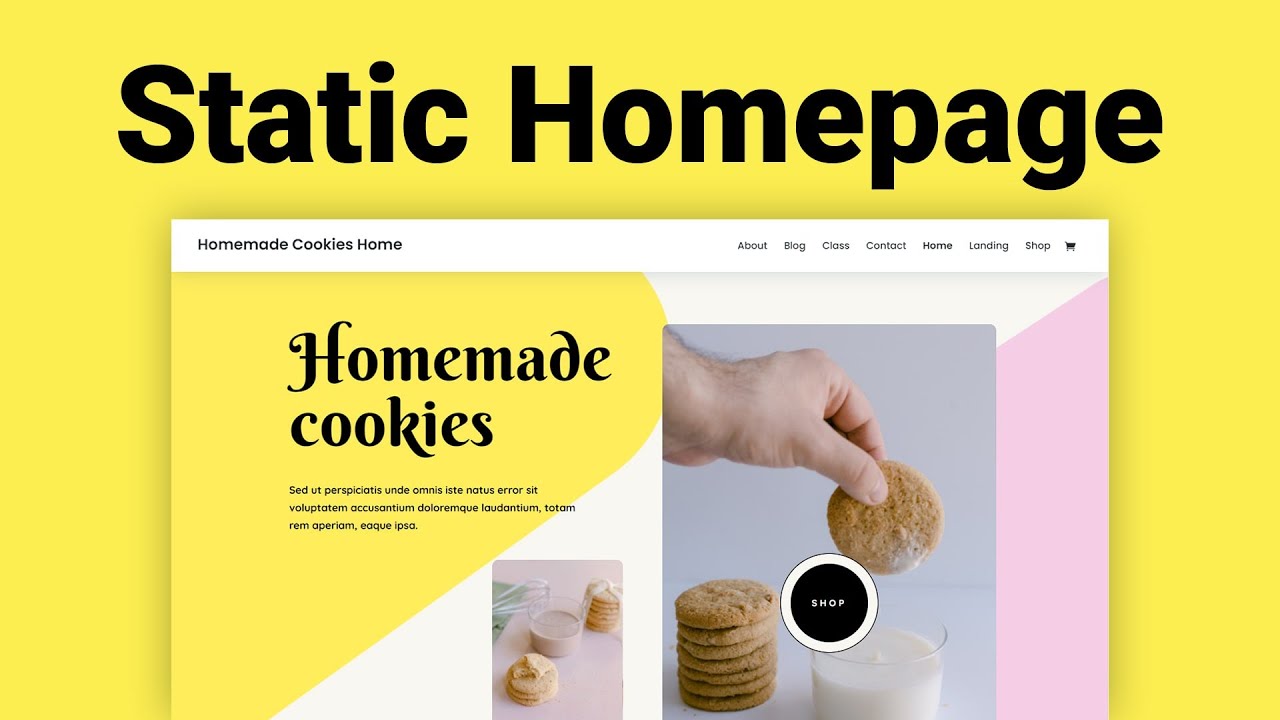
Static Homepage Concept
A static homepage is a fixed page on a website. It does not change often. This page shows the same content every time. Blogs often use dynamic pages. These pages update with new posts. But a static homepage stays the same. It can showcase important information. Like your business details or services. This is useful for small businesses. They may not post new content often. Visitors see the same information each time. Easy for users to find what they need. Static homepages can improve site navigation. They make the website more predictable. This helps visitors feel comfortable. They know what to expect.
Benefits Of A Static Homepage
A static homepage shows the same content to every visitor. This helps users find information quickly. It loads faster because it doesn’t change often. Visitors see important details right away. Less confusion means more happy users.
Search engines love static pages. These pages rank better because they are easy to understand. Static homepages use fixed keywords. This boosts their visibility online. Better rankings mean more traffic.
Every visitor sees the same brand message. This builds a strong image. Colors, logos, and slogans stay the same. People remember the brand easily. This consistency is key for trust and recognition.
Setting Up A Static Homepage
Choose a theme that suits your style. Some themes come with a built-in static homepage. This makes setup easy. Always check the theme demo. See if you like the homepage layout. A good theme helps your site look nice.
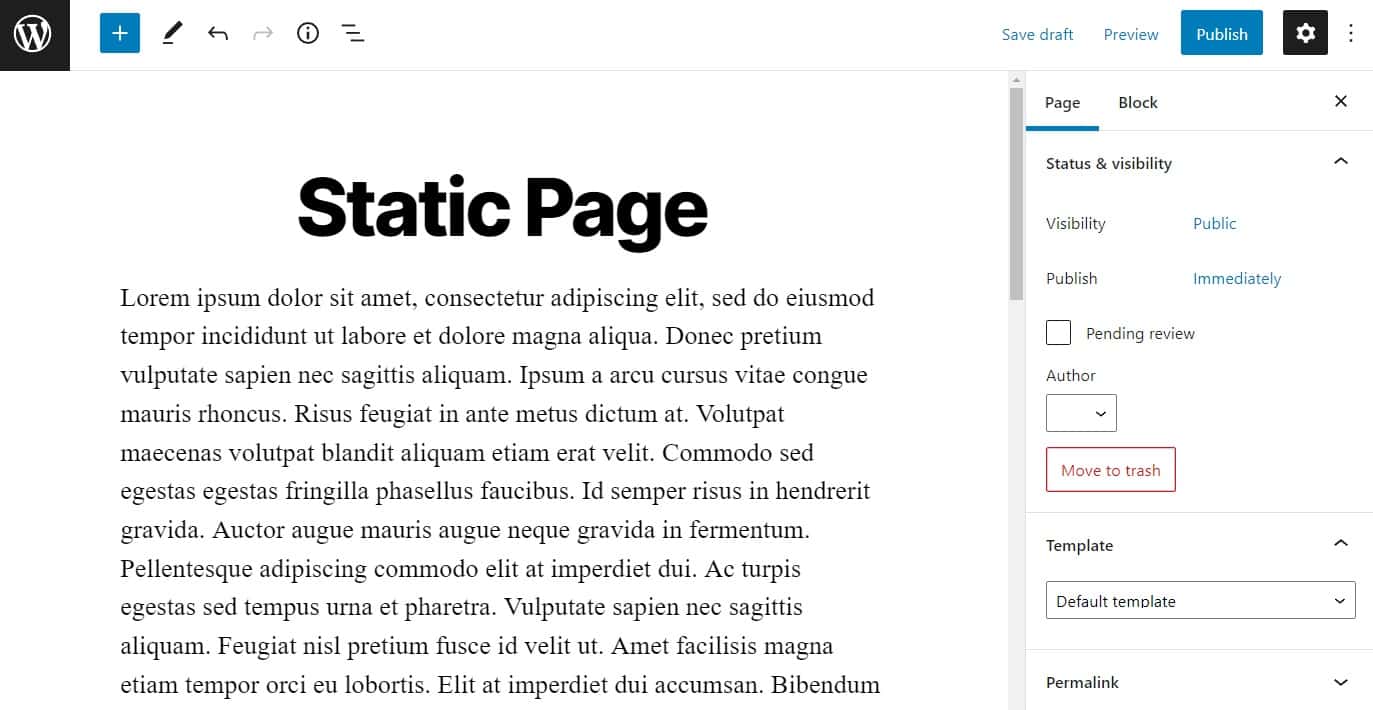
First, go to your WordPress dashboard. Click on “Pages” and then “Add New”. Name this page as “Home”. This will be your static homepage. Do not add too much text. Keep it clean and simple. Publish the page when ready.
Go to “Settings” in the WordPress dashboard. Click on “Reading”. You will see an option for “Your homepage displays”. Choose “A static page”. Then select the “Home” page you created. This makes your homepage static. Save changes to apply.
Customizing A Static Homepage
Page builders help in creating a unique homepage. They offer many design options. You can move elements around easily. This makes your site look professional. Choose the layout that fits your style. Adjust colors and fonts to match your brand. Many page builders are easy to use. They work with simple drag-and-drop tools. No coding skills required. It’s fun and creative.
Widgets add extra features to your homepage. They can show recent posts or a calendar. You can also display social media feeds. They are small but useful tools. Widgets make your site interactive. Just drag them to your desired spot. It’s like building blocks for your website. Choose widgets that fit your needs. They are easy to manage from the dashboard.
Multimedia elements bring life to your homepage. Use images to grab attention. Videos can explain your content well. Sound clips add a new layer. These elements engage your visitors. They make information clear and exciting. Ensure multimedia is of good quality. Place them where they fit best. Keep load time in mind. Too many files can slow your site.
Static Vs. Dynamic Homepages
Static homepages show the same content to everyone. Updates need manual changes. On the other hand, dynamic homepages change content automatically. They use data from your database. For people who want steady content, static is best. If you need new content often, choose dynamic.
Static pages load faster. They don’t need to pull data each time. Dynamic pages may load slower. They pull data from the server. For a quick site, static is a good choice. Faster pages help users stay longer.
| Static Homepage | Dynamic Homepage |
|---|---|
| Best for blogs and portfolios | Great for news and e-commerce |
| Simple to maintain | More flexible |
| Less frequent updates | Content changes often |

Credit: blog.hubspot.com
Common Mistakes To Avoid
Many people forget about mobile users. A site should be easy to read on phones. Big buttons and clear text help users. Always test your site on a phone. It needs to load fast and work well.
Too much content can confuse visitors. Keep it simple and clear. Use short sentences and small paragraphs. Important information should be easy to find. Less is more when it comes to content.
Good navigation helps users find what they need. Menus should be clear and simple. Always label links clearly. Make sure users can go back easily. A good menu is like a map for your site.
Tools And Plugins For Static Homepages
Several plugins make your homepage static. Elementor is a popular choice. It offers many design options. Beaver Builder is also good. It is user-friendly and flexible. WPBakery lets you create unique layouts easily.
WordPress Customizer helps you change themes easily. Customizer allows color, font, and layout changes. Divi is another tool. It has a visual builder. Astra Theme offers many templates. It is perfect for beginners.
Yoast SEO is very helpful. It improves search engine rankings. All in One SEO is another good tool. It helps your site get noticed. Rank Math offers great SEO features. These plugins improve visibility.
Real-world Examples
Many popular sites use a static homepage. This helps them look professional. For instance, BBC uses a static homepage. It shows news highlights clearly. Readers find it easy to read.
Another example is Apple. Their homepage showcases new products. It makes visitors excited. The design is simple and clean. This keeps users engaged.
Lessons from Popular Sites show that static homepages can be effective. They help in making a strong first impression. They guide users to important information. This improves user experience.
Credit: simplystatic.com
Frequently Asked Questions
What Is A Static Homepage In WordPress?
A static homepage in WordPress displays content that doesn’t change. It allows you to showcase specific information or features consistently. Unlike a blog page, it remains constant, providing a stable front for your visitors. This option is ideal for businesses focusing on specific services or products.
How Do I Set A Static Homepage?
To set a static homepage, navigate to ‘Settings’ in WordPress. Choose ‘Reading,’ then select ‘A static page’ option. Pick your desired page from the dropdown list. Save changes to make it your homepage. This process helps create a consistent user experience on your website.
Why Use A Static Homepage In WordPress?
Using a static homepage helps highlight specific content. It offers a consistent, controlled presentation to visitors. This is beneficial for businesses needing to emphasize particular products or services. A static homepage enhances user experience by providing clear, focused information right away.
Can A Static Homepage Improve Seo?
Yes, a static homepage can improve SEO. It allows you to optimize specific content with keywords. Consistent information helps search engines understand your site’s focus. This can improve your site’s visibility and ranking. Regularly updating meta tags and content enhances SEO effectiveness.
Conclusion
A static homepage in WordPress provides a stable first impression. It shows consistent content every time someone visits. This setup helps highlight your most important information. Visitors find what they need quickly. The experience becomes smooth and predictable. Customization options offer flexibility to tailor your homepage.
This approach benefits businesses and bloggers alike. No more worrying about shifting posts or content. A static homepage keeps your website focused and professional. Easy to manage. Simple to understand. Perfect for engaging your audience effectively.



