Are you ready to create your very own WordPress blog theme, but don’t know where to start? You’re in the right place.
Crafting a unique theme can set your blog apart, reflect your personality, and captivate your audience. Imagine the satisfaction of seeing your personal touch shine through every page and post. This guide will walk you through the process with clear and simple steps, ensuring you understand every part of theme creation.
By the end, you’ll have a custom WordPress theme that not only looks professional but also functions seamlessly. Let’s dive in and unleash your creativity!
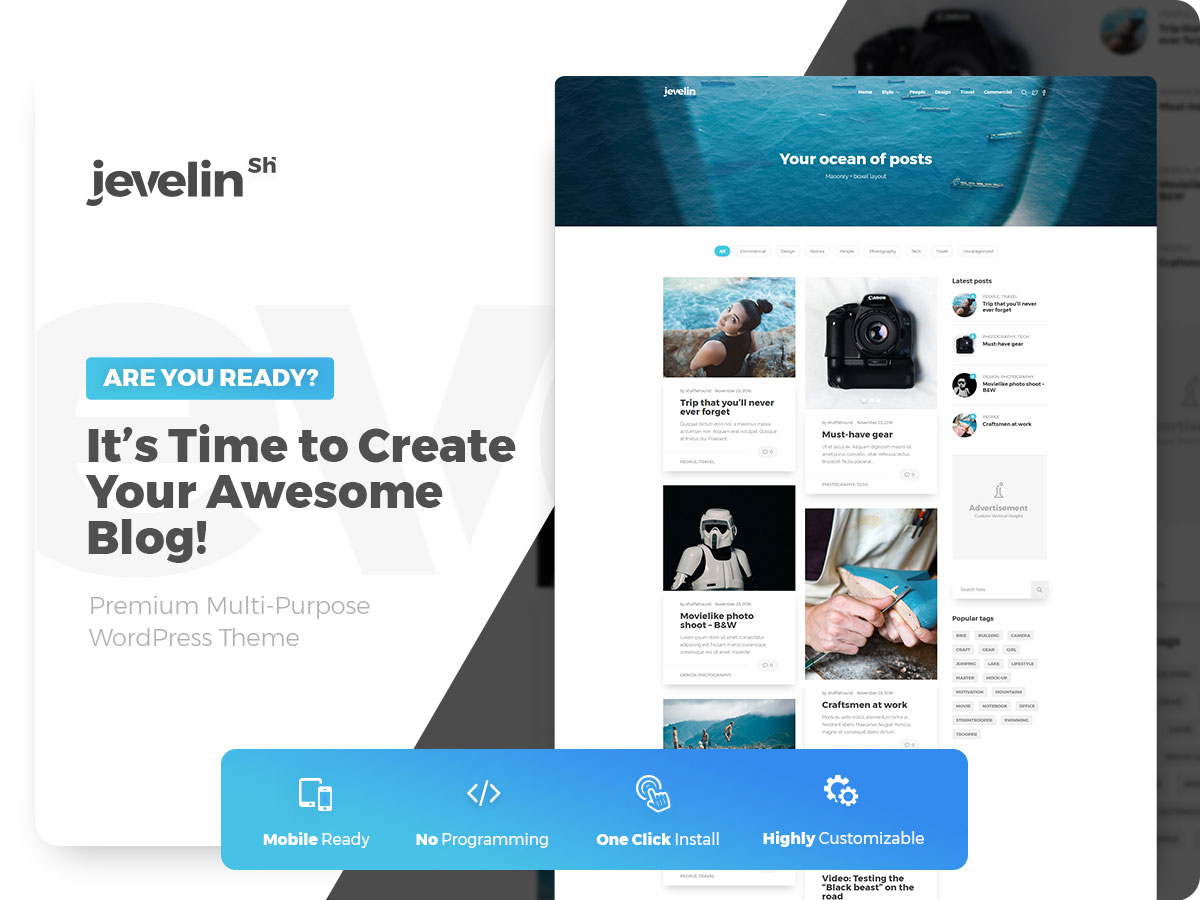
Credit: colorlib.com
Getting Started
Creating a WordPress blog theme involves planning and basic coding skills. Start by learning about HTML, CSS, and PHP. Design a layout that matches your blog’s style and customize it using WordPress tools.
Essential Tools
To make a WordPress blog theme, some tools are needed. First, install a text editor like Sublime Text or Visual Studio Code. These help you write code easily. Next, get a local server like XAMPP or MAMP. This helps you test your theme on your computer. Make sure to have the latest version of WordPress. Download it from the official site. Also, use a web browser to see changes in real-time. Chrome or Firefox are good choices. Lastly, get an FTP client such as FileZilla. This uploads your theme to a live server.
Setting Up Your Environment
First, install the local server on your computer. Follow the instructions carefully. Then, create a new database using phpMyAdmin. This holds your WordPress data. Copy the WordPress files to the server’s root directory. Open the browser and type “localhost/your-folder-name”. The setup will begin. Now, connect WordPress to the database you created. Fill in the details and finish the setup. Once done, your local WordPress site is ready. Start creating your theme. Open your text editor and start coding.
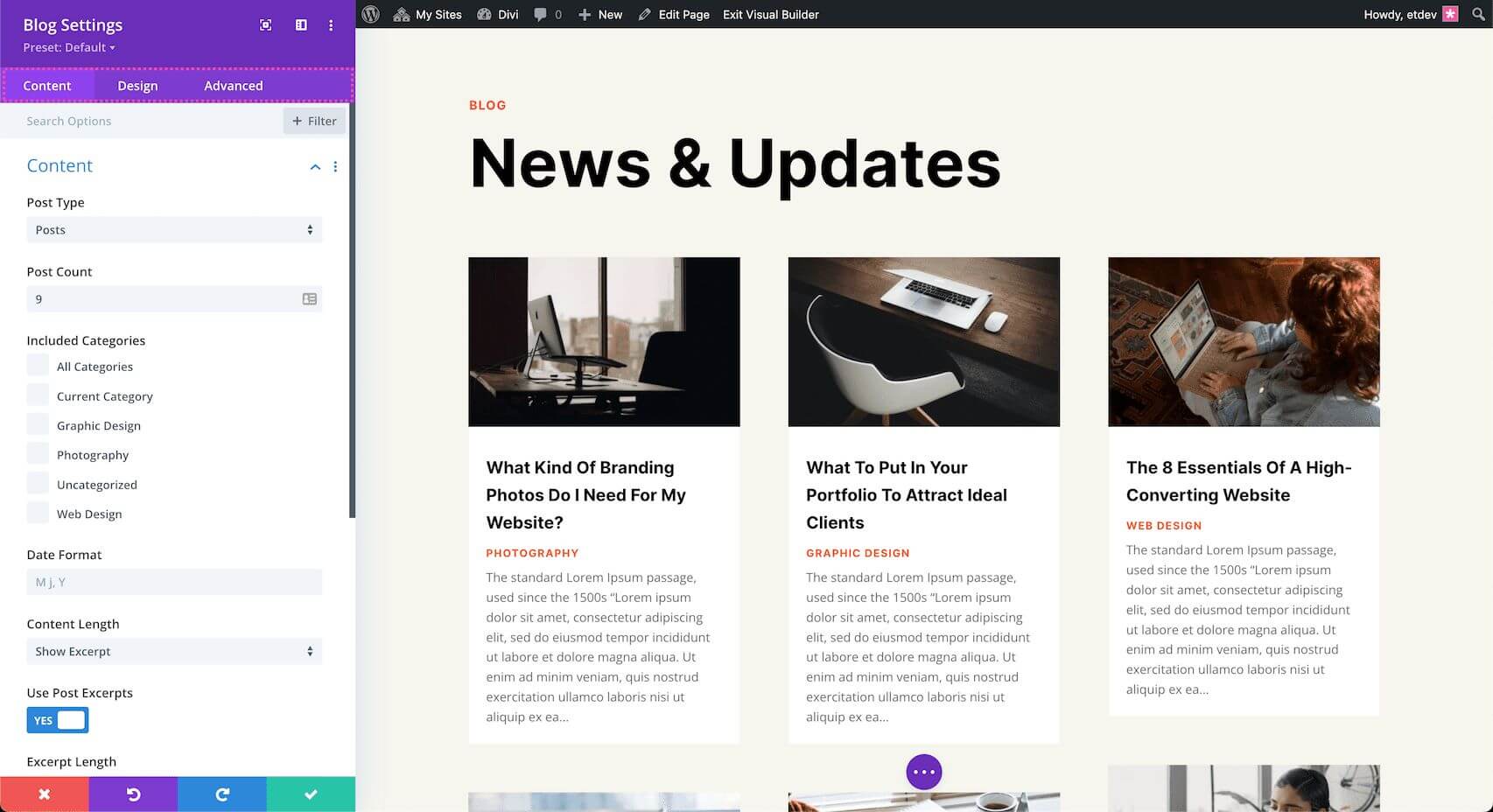
Credit: www.elegantthemes.com
Design Concepts
Picking a layout is key. It shapes your blog. Simple layouts are easy to use. Complex layouts have more features. Think about what you need. Do you want many posts on one page? Or just a few? Sidebars can hold links and ads. Headers show the blog name. Footers hold extra info. Choose wisely. Each choice changes how people see your blog.
Colors make your blog pop. Bright colors grab attention. Soft colors are calm. Pick colors that match your theme. Typography is about fonts. Big fonts are easy to read. Small fonts look neat. Choose fonts that fit your style. Mix colors and fonts well. This makes your blog look great.
Building The Foundation
Start with a new folder for your theme. Name it clearly. Inside, create a few files. The first file is style.css. This file holds your theme’s style. Add a basic header at the top. Next, create index.php. This file is the main page. It displays your posts.
Another important file is functions.php. This file adds features to your theme. Use it to load styles and scripts. Lastly, include a header.php and footer.php. These files wrap your content. They make your theme complete.
WordPress themes have special files. Each file serves a purpose. The style.css file styles your blog. The index.php file shows your posts. The functions.php file adds extra code. It can load scripts and styles. The header.php file is for the top of your site. The footer.php file is for the bottom.
All these files work together. They make your blog look nice. They help your blog run smoothly. Keep them organized. It makes theme building easy.
Customizing The Appearance
Custom styles make your blog look unique. With CSS, you can change colors, fonts, and layouts. CSS is a simple language for styling web pages. Use it to make your blog stand out. You can add custom styles in the theme editor. Experiment with different styles to find what looks best. Small changes can make a big difference. Keep your blog consistent and easy to read.
Widgets add fun features to your blog. You can display recent posts or show social media links. Widgets help visitors interact with your site. They are easy to add and customize. You can find widgets in the WordPress dashboard. Drag and drop them into your blog’s sidebar or footer. Choose widgets that enhance your blog. Too many widgets can clutter your site. Keep it simple.
Enhancing Functionality
Crafting WordPress blog themes enhances functionality by ensuring a seamless user experience. Focus on intuitive design and responsive layouts. Use clean code to improve loading times and performance.
Integrating Plugins
Plugins add extra features to your blog. They can help with SEO, social media sharing, and more. Choose plugins that suit your needs. Too many plugins can slow your site. Install only what you need. Keep them updated for best performance. Look for plugins with good reviews. Check their compatibility with your theme. Test each plugin before using it. This ensures everything works smoothly.
Adding Custom Scripts
Custom scripts make your blog unique. They add special functions and styles. Use JavaScript for interactive elements. CSS changes the look and feel. Make sure scripts are clean and efficient. Avoid cluttering your code. Check scripts for errors. This prevents issues on your blog. Backup your site before adding new scripts. This keeps your data safe. Test scripts on different browsers. Ensure they work everywhere.
Testing And Debugging
Crafting WordPress blog themes involves detailed testing and debugging. Fix errors promptly and ensure seamless functionality across devices. Always prioritize user experience to maintain engagement and satisfaction.
Checking For Errors
Finding errors is like fixing a puzzle. Start with the theme’s code. Look for mistakes in the lines of code. Use tools like a code editor. They help find bugs. Check the browser console. It shows error messages. Fix these to make your theme work right.
Run your theme on different devices. Test it on phones, tablets, and computers. This helps spot problems you might miss. Each device might show the theme differently. Fix any problems you find.
Ensuring Compatibility
Your theme must work on all browsers. Test it on Chrome, Firefox, Safari, and Edge. Each browser can show things differently. Fix any issues you see.
Themes should also work with WordPress updates. Check after each update. This keeps your theme running smooth. Use plugins to help with this. They check for compatibility issues.
Deployment Process
Crafting a WordPress blog theme involves several key steps. First, design your theme layout with user-friendly navigation. Next, code your theme using HTML, CSS, and PHP. Then, test your theme for compatibility and responsiveness. Finally, deploy your theme by uploading it to your WordPress site.
Preparing For Launch
Before launching, check your theme for errors. This step is crucial. Test the theme on different browsers. Make sure it works well. Your theme should load fast. Users like fast-loading sites. Optimize images to speed up loading. Also, check for broken links. Fix any issues you find. Use tools like Google PageSpeed to help. A good theme keeps users happy.
Publishing Your Theme
To publish, first zip your theme files. Go to the WordPress dashboard. Click on Appearance, then Themes. Select Add New. Click Upload Theme. Choose your zipped file. Hit Install Now. After installation, activate your theme. Now, your theme is live. Users can see it. Make sure everything works fine. Check your site again. Confirm all features run smoothly.
Maintenance Tips
Keep your theme safe with regular updates. Updates fix bugs and protect against hackers. They also improve performance. Always check for updates from the theme developer. Update your plugins too. This keeps everything working well together.
Test updates on a staging site first. This prevents problems on your live site. Use backup plugins for extra safety. Backups keep your data safe. You can restore your site if something goes wrong.
Ask users for feedback. Their feedback helps improve the theme. Listen to what they say. Make changes if needed. It keeps users happy. Happy users stay longer on your site. They also tell others about it.
Use simple tools to collect feedback. Online forms work well. Analyze the feedback and plan your changes. Always aim to make the theme better. This keeps it fresh and user-friendly.

Credit: az-theme.net
Frequently Asked Questions
What Is A WordPress Theme?
A WordPress theme is a collection of files that control the appearance of your blog. It includes layout, colors, fonts, and other design elements. Themes allow you to customize your site’s look without altering its core functionality. They are essential for creating a unique and visually appealing blog.
How To Choose A WordPress Theme?
Choosing a theme involves considering your blog’s niche, functionality, and design preferences. Look for responsive designs that work on all devices. Ensure the theme is compatible with popular plugins and regularly updated. Reading reviews and checking the theme’s support options can also help in making a decision.
Can I Create A WordPress Theme From Scratch?
Yes, creating a WordPress theme from scratch is possible. It requires knowledge of HTML, CSS, PHP, and JavaScript. You need to understand WordPress’s template hierarchy and theme development standards. Using starter themes or frameworks can simplify the process, providing a foundation to build upon.
What Tools Help In WordPress Theme Development?
Several tools aid in WordPress theme development. Text editors like VS Code and Sublime Text are popular for coding. Browser developer tools assist in testing and debugging. Frameworks like Bootstrap offer pre-designed components. WordPress-specific tools, such as Theme Check, ensure your theme meets coding standards.
Conclusion
Creating WordPress blog themes is simple and rewarding. With basic coding skills, anyone can design unique themes. Start by planning your layout and colors. Customize features to fit your blog’s needs. Test your theme for responsiveness on all devices. Use tutorials and forums for extra help.
Keep learning new techniques to improve your skills. Regular updates keep themes fresh and secure. Share your theme with others, and gather feedback to improve. A well-crafted theme enhances your blog’s appeal. Dive into theme creation and enjoy the creative process.