
Are you struggling to make your blog posts look professional and engaging? You’re not alone.
Many bloggers find it challenging to format their content in a way that captivates readers and keeps them coming back for more. If you’re using WordPress, you’re in luck. With its diverse range of themes and customization options, you can transform your blog into a visually appealing and easy-to-read masterpiece.
But where do you start, and how do you ensure that your formatting efforts actually boost your reader engagement? In this guide, we’ll unravel the secrets to effectively formatting your blog posts within WordPress themes, giving you the tools to enhance readability, improve SEO, and ultimately, grow your audience. Ready to turn your blog into a reader magnet? Let’s dive in.
Credit: themeforest.net
Choosing The Right Theme
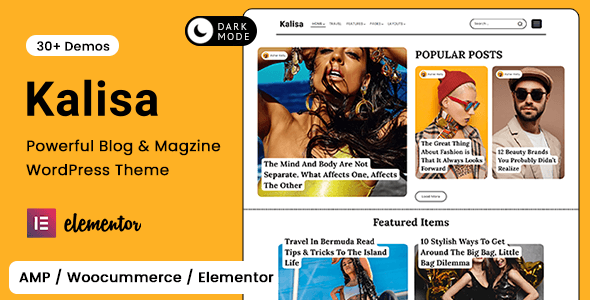
Picking a theme can be fun. Each theme has different features. Some themes have drag and drop options. This makes building a blog easy. Check if the theme has SEO-friendly settings. This helps your blog show up in searches.
Themes should be responsive. They must look good on phones and tablets. See if the theme supports your content type. If you like photos, pick a theme with a gallery. For writers, choose one with a clean layout. Test the theme’s loading speed. Fast themes keep readers happy.
Look for themes with regular updates. Updated themes fix bugs and add new features. A good theme should have support. If you have questions, support can help. These features are important. They make a blog shine.
Credit: colorlib.com
Customizing Blog Layout
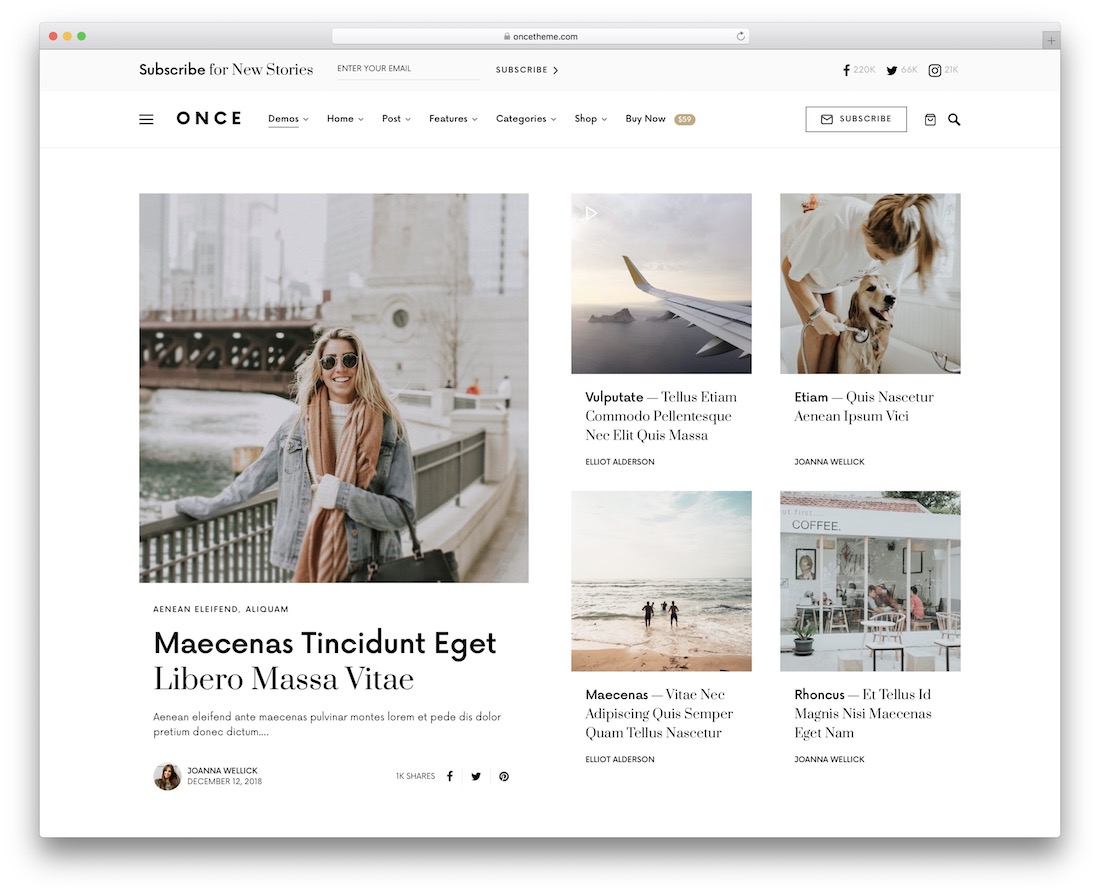
Changing the header and footer can make a blog look unique. Many themes offer options to change colors and fonts. Always choose a style that fits your blog’s purpose. Easy-to-read fonts are best for readers. Adding a logo in the header can help make your blog stand out. Don’t forget to check how it looks on phones and tablets.
The sidebar is a useful part of a blog. It can hold links, ads, and widgets. Choose what to show based on your blog’s goals. Too many items can confuse readers. Keep it simple and neat. Use the sidebar to guide visitors to important pages. This helps them find what they need quickly.
Font And Typography
Readable fonts are key for blog success. They help readers understand content easily. Choose fonts like Arial, Verdana, or Times New Roman. These fonts are simple and clear. Avoid fancy fonts that confuse readers. Stick to basic styles.
Font size matters. Use size 14 to 16 for main text. It’s clear and easy to read. Headings can be bigger, maybe size 20 or more. Choose colors wisely. Black on white is best. It’s easy on the eyes. Avoid bright colors that hurt eyes.
Image And Media Integration
Images make blogs colorful and fun. They attract readers’ eyes. Correct placement is key. Always keep images near related text. This helps readers understand better. Big images are clearer. They show details. Small images load fast. Use small ones if you have many.
Image Placement And Size
Choose the right place for each image. This boosts engagement. Align them to the left or right. Use the center for big impact. Resize for better clarity. Change size with editing tools. Keep image quality high.
Embedding Videos And Galleries
Videos make blogs lively. They explain things quickly. Place them after text. Use galleries for many images. Galleries keep pages neat. They offer a clear view. Embed videos from trusted sites. This ensures safety for viewers.
Optimizing For Seo
Keywords are like a map for your blog. They help search engines find your content. Use them in the title, first paragraph, and headings. Place them naturally. Avoid stuffing keywords. This keeps the text readable and friendly.
Meta tags tell search engines about your blog. They are like a summary. Write clear and short meta descriptions. Use keywords here too. This helps in better ranking. Keep them under 160 characters. Remember, it should make sense. It should invite readers.
Responsive Design
Blogs must look good on all devices. Adjust the text size for easy reading. Use images that scale properly. Avoid using too many large files. They can slow down the loading time. Make sure the buttons are big enough to click on phones.
Test your blog on phones, tablets, and computers. Check if images and text appear correctly. Use tools like Google’s Mobile-Friendly Test. It helps you see how your blog looks. Fix any issues you find. This ensures a good user experience on all devices.
Using Plugins For Enhancement
SEO plugins help your blog appear in search results. They are easy to use. You can improve your blog’s visibility with them. Yoast SEO is a popular choice. It offers suggestions for better content. These plugins guide you on keyword usage. They help in crafting readable content. Optimization tools can boost your blog’s reach. Other plugins offer advanced features. They support schema and meta tags.
Social media plugins connect your blog to platforms. They allow readers to share content easily. Plugins like Social Warfare make sharing smooth. They add buttons to your posts. These buttons link to Facebook, Twitter, and more. Having these plugins can increase traffic to your blog. They encourage interaction and sharing. Some plugins even show share counts. This shows popularity and attracts more readers.
Improving Readability
Use short paragraphs to make reading easy. Break text into two to three sentences. This helps readers focus on your message.
Use bold text for important words. Italics can show emphasis too. Choose simple fonts for easy reading.
Bullet points help organize information. They make reading faster and easier. Use them for lists or steps.
- Keep each point short.
- Use simple words.
- Highlight key ideas.
Lists help readers find important parts. Numbered lists are great for steps or instructions.
Performance And Speed Optimization
Large images can slow down your website. Use image compression tools. They reduce file sizes without losing quality. Tools like TinyPNG are popular. They make images smaller. Smaller images load faster. This helps speed up your site. Faster sites keep visitors happy.
Caching saves data for quick access. It reduces load time. Use plugins like W3 Total Cache. It stores data for faster page loads. Cached pages load quicker. This improves user experience. Users stay longer on faster sites. Fast sites rank better on search engines.

Credit: themeforest.net
Testing And Feedback
Gather feedback from readers to improve your blog. Ask simple questions. What do they like? What confuses them? Use surveys or comments for this. Feedback helps in knowing what works.
Change small things first. Improve one part at a time. See if readers like it. Better blogs get more readers. They stay longer too.
Frequently Asked Questions
How Do I Change Blog Format In WordPress?
To change your blog format in WordPress, access the dashboard. Navigate to ‘Appearance’ > ‘Themes’ and select your desired theme. Customize it by going to ‘Customize’ under ‘Appearance’. Use widgets, menus, and settings to achieve your preferred layout and style.
What Are The Best WordPress Themes For Blogging?
Some popular WordPress themes for blogging include Astra, GeneratePress, and OceanWP. These themes are lightweight, customizable, and SEO-friendly. They offer responsive designs, ensuring your blog looks great on all devices. Choose a theme that aligns with your blog’s niche and style preferences.
Can I Customize WordPress Themes Easily?
Yes, WordPress themes are customizable. Use the WordPress Customizer to modify colors, fonts, and layouts. Most themes offer options for adding widgets and menus. Some themes also support page builders like Elementor, providing even greater design flexibility.
How To Ensure WordPress Blog Is Seo-friendly?
To make your WordPress blog SEO-friendly, use an SEO plugin like Yoast or Rank Math. Optimize your blog titles, meta descriptions, and headers. Use alt text for images and ensure fast loading times. Regularly update content and ensure your site is mobile-responsive.
Conclusion
Formatting blogs in WordPress themes is simple with practice. Start with a clear structure. Use headings and bullet points. Images can boost engagement. Consistent styles make your blog look professional. Keep paragraphs short for easier reading. Choose fonts that are easy to read.
Remember to preview before publishing. This ensures everything looks perfect. A well-formatted blog attracts more readers. It keeps them engaged longer. Explore different WordPress themes. Find what works best for your content. Each theme offers unique features. Experiment to find your favorite style.
Happy blogging!



