Imagine transforming your website into a stunning, functional masterpiece without spending a dime. That’s the magic of free WordPress themes.
Whether you’re launching a blog, showcasing your portfolio, or setting up an online store, WordPress offers a treasure trove of themes that can bring your vision to life with just a few clicks. But with so many options, how do you pick the perfect theme for your needs?
And once you’ve chosen, how do you make it uniquely yours? You might feel overwhelmed by the choices, and that’s okay. You’re not alone in wanting a professional-looking site that reflects your style and purpose. This article is your guide to navigating the vast world of free WordPress themes. It will show you how to find, install, and customize a theme that fits your brand. By the end, you’ll be equipped with the tools to make your website stand out and captivate your audience. Ready to create a website that truly represents you? Keep reading to discover the secrets to using free WordPress themes effectively.
Credit: walkerwp.com
Choosing The Right Theme
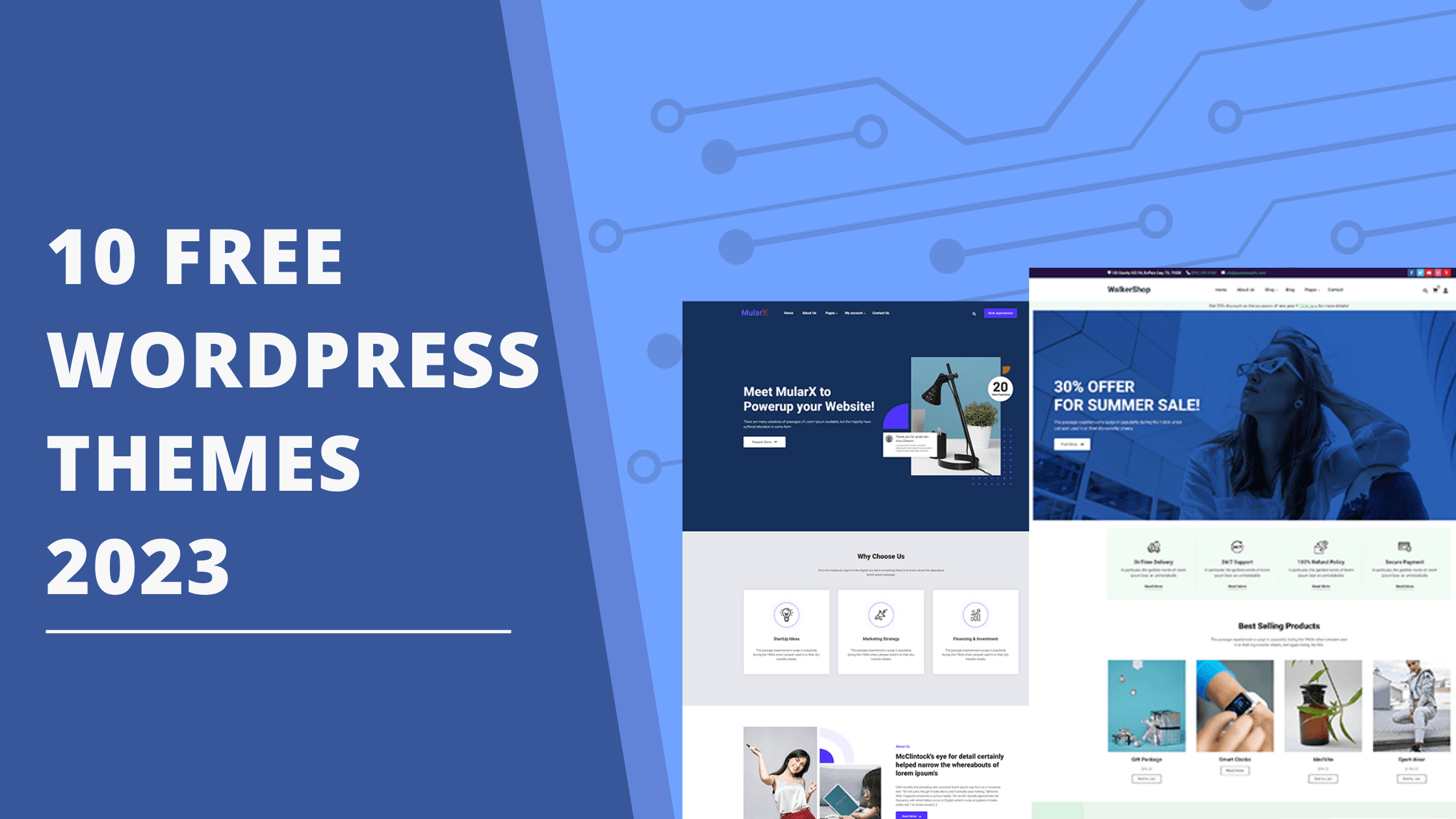
Start by thinking about what your website needs. Is it a blog, a shop, or a portfolio? Each type has different needs. Blogs need good readability. Shops require easy navigation for products. Portfolios should have a clean, visual layout.
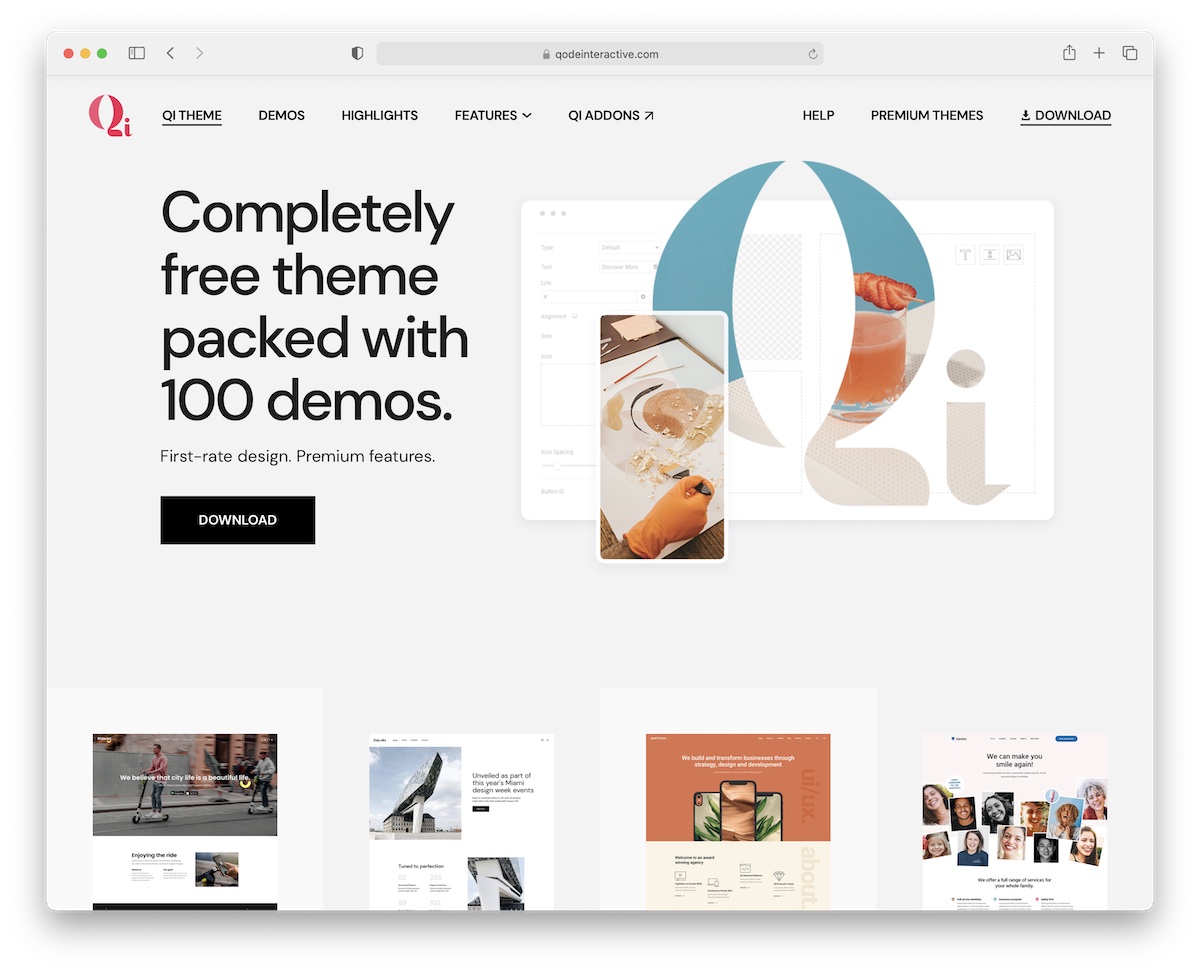
Visit directories to find free themes. WordPress.org is a good place to start. Check out the popular and new sections. See which themes have many downloads and good reviews. Download and test a few to see which fits best.
Each theme has unique features. Look for themes with the features you need. Some themes offer customization options. Others might have pre-made layouts. Compare designs to see which looks best. Make sure it matches your site’s purpose.
Credit: colorlib.com
Installing A Free Theme
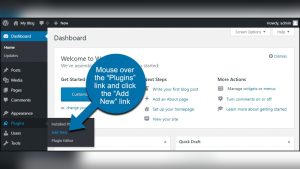
First, log in to your WordPress Dashboard. This is your control center. You can find many options here. To start, look on the left side. There, you will see many menus. One of them is called Appearance. Click on it to see more options.
After clicking Appearance, a new menu opens. Choose Themes. This shows all the themes you have. At the top, there is an Add New button. Click it to see free themes. You can find many designs here.
Pick a theme you like. Hover over it. You will see the Install button. Click it, and wait for a moment. Once installed, click Activate. Your site now has a new look. Easy and quick!
Customizing Your Theme
Access the Customizer Tool easily through your dashboard. It helps change your theme’s look. See changes live as you make them. This makes adjustments simple and quick.
Colors and fonts give your site a unique feel. Choose from the palette to find what suits you. Pick fonts that are easy to read. Your site will look neat and tidy.
Widgets add extra features to your site. They can show a calendar, recent posts, or a search bar. Menus help users find what they need. Organize them well for easy navigation.
Enhancing Functionality
Exploring free WordPress themes can boost website functionality effortlessly. Customize features to match your needs and enhance user experience. Discover diverse options to create an engaging and dynamic site tailored to your vision.
Integrating Essential Plugins
Plugins make your site work better. Choose plugins that add value. Security plugins keep your site safe. SEO plugins help your site show up on search engines. Contact form plugins let visitors reach you. Always pick plugins that suit your needs.
Optimizing For Seo
SEO helps people find your site. Use keywords in your content. Write clear titles and descriptions. Install an SEO plugin for easy help. Keep your URLs short and simple. Link to other pages on your site. This keeps users engaged longer.
Improving Site Speed
A fast site makes visitors happy. Choose a lightweight theme for better speed. Use a caching plugin to load pages faster. Compress images to save space. Limit the number of plugins you use. Always check your site speed and make changes.
Troubleshooting Theme Issues
Navigating free WordPress themes involves understanding common issues. Start by checking theme compatibility with plugins and WordPress version. Adjust settings to resolve layout problems or missing features.
Resolving Compatibility Problems
Themes might not work with all plugins. First, check if the theme and plugins are updated. Updates can fix many issues. Next, deactivate all plugins and see if the problem goes away. If it does, reactivate them one by one. This will help find the problematic plugin. Sometimes, themes have extra settings for compatibility. Look for these in the theme options.
Fixing Display Errors
Display errors can look bad. Clear your browser cache to see changes. Sometimes, old files cause display problems. Check theme settings for layout options. Adjust them to see if it helps. Use a tool like Developer Tools in the browser. It helps to inspect elements and find what is wrong.
Seeking Support
Free themes often have limited support. Visit the theme’s support forum. Many users might have the same problem. Read their solutions or ask your question. If no one helps, look for documentation. Some themes have guides that solve common issues.
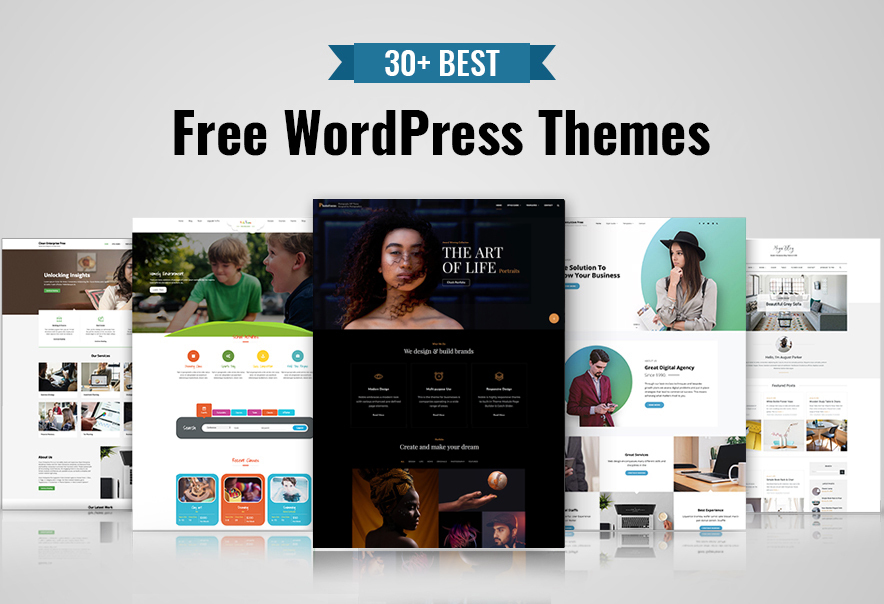
Credit: catchthemes.com
Keeping Your Theme Updated
Regularly check for updates in your WordPress dashboard. Updates can fix bugs and add new features. Go to the “Themes” section to see if there are updates. Make sure your internet is stable. This helps download updates properly.
Always back up your site before updating. Backups help if something goes wrong. Use plugins like UpdraftPlus for easy backups. Click “Update” after ensuring a backup is ready. Updating is easy and fast.
Keep your theme secure and safe from hackers. Use a security plugin like Wordfence. Keep WordPress and all plugins updated. Strong passwords add extra security. Never share your passwords with anyone.
Frequently Asked Questions
Can I Use WordPress Themes For Free?
Yes, you can use free WordPress themes. They are available in the WordPress theme directory. Many themes offer customization options. Always check theme reviews and updates for security.
What Is The Difference Between Free And Paid WordPress Themes?
Free WordPress themes offer basic features and limited customization. Paid themes provide advanced features, regular updates, and dedicated support.
How Do You Activate A WordPress Theme?
Log into your WordPress dashboard. Navigate to “Appearance” and select “Themes. ” Choose your desired theme and click “Activate. “
What Can You Do With The Free Version Of WordPress?
Create a blog or website using WordPress’s free version. Customize themes and design your site. Publish posts, pages, and media. Use basic SEO tools to improve visibility. Access community support and free plugins to enhance functionality. Ideal for beginners and small projects without budget constraints.
Conclusion
Exploring free WordPress themes can transform your website. They offer variety and style. Easy customization makes them user-friendly. Start by browsing the WordPress theme directory. Choose a theme that matches your brand. Always ensure it’s responsive and supports your content.
Installing and activating is simple. Just follow the steps provided. Test your website on different devices. Make sure everything looks perfect. With free themes, you save money while building a great site. Enjoy the creative process. Your website deserves a fresh, professional look.
Happy blogging!