
Are you wondering if Google Sites supports WordPress? If you’ve been trying to build a website and are stuck choosing between these two platforms, you’re not alone.
Knowing how they work together—or if they do at all—can save you time, money, and a lot of frustration. You’ll discover the truth about using WordPress with Google Sites, what’s possible, and what isn’t. By the end, you’ll have a clear path forward for your website project.
Keep reading to find out exactly what you need to know.
Google Sites And WordPress Basics
Understanding the basics of Google Sites and WordPress helps choose the right platform. Both tools build websites but serve different purposes. Knowing their core features clears doubts about compatibility and usage.
This section explains what Google Sites and WordPress are. It highlights key points to help beginners.
What Is Google Sites?
Google Sites is a simple website builder by Google. It allows users to create small websites quickly. No coding skills are needed. It uses drag-and-drop tools for easy design. Google Sites works well for personal projects or small teams. It integrates smoothly with other Google apps. The platform is free and hosted by Google. Users get limited customization options compared to other builders.
What Is WordPress?
WordPress is a popular content management system (CMS). It powers millions of websites worldwide. Users can create blogs, business sites, and online stores. WordPress offers many themes and plugins for customization. It requires more learning than Google Sites. Users can choose between WordPress.com and WordPress.org. WordPress.org offers full control but needs separate hosting. It is flexible and supports advanced features. Many developers use WordPress for complex websites.

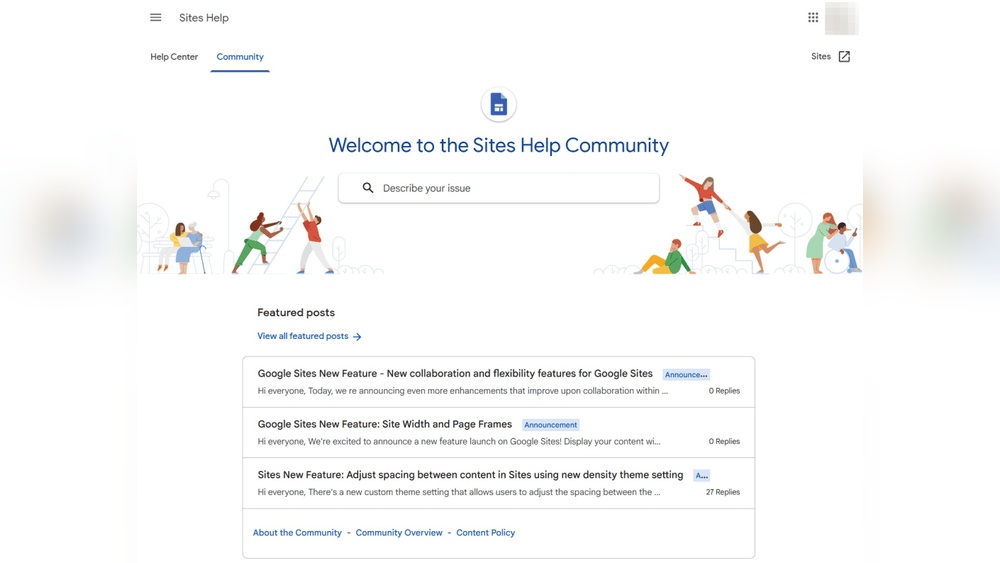
Credit: sites.google.com
Key Differences Between Google Sites And WordPress
Google Sites and WordPress serve different purposes in website creation. Understanding their key differences helps choose the right tool. Both platforms let users create websites, but they differ in design, customization, and user experience.
Design Flexibility
Google Sites offers basic templates with simple layouts. It limits design changes to keep things easy. WordPress provides thousands of themes and templates. Users can create unique and complex designs. WordPress supports plugins to enhance site features.
Customization Options
Google Sites has limited options for customization. Users can add text, images, and simple gadgets. WordPress allows deep customization through plugins and code. It supports custom themes and advanced features. Users control almost every part of the website.
User Experience
Google Sites is beginner-friendly with drag-and-drop tools. It suits small projects or internal sites. WordPress has a learning curve but offers more power. It supports blogs, e-commerce, and large websites. Users can manage content easily once familiar with it.
Compatibility Between Google Sites And WordPress
Google Sites and WordPress serve different purposes but both help build websites. Understanding their compatibility helps users choose the best option for their needs. Google Sites offers simple site creation, while WordPress is more flexible and powerful. Exploring how these two platforms work together can clarify if integration is possible or practical.
Can You Integrate WordPress Into Google Sites?
Direct integration between WordPress and Google Sites does not exist. Google Sites does not allow installing WordPress plugins or themes. The platforms use different systems and hosting methods. WordPress needs its own server or hosting service. Google Sites works within Google’s cloud environment only. This limits direct connection or full integration.
Embedding WordPress Content
You can embed WordPress content into Google Sites using simple methods. Copy WordPress post URLs and add them as links in Google Sites. Use the “Embed” option in Google Sites to add WordPress pages via iframe. Some WordPress features like videos or forms can appear inside Google Sites this way. This method only shows content but does not connect the two platforms fully.
Limitations To Integration
Embedding WordPress content in Google Sites has clear limits. Interactive WordPress plugins will not work inside Google Sites. You cannot use WordPress themes or customize Google Sites with WordPress tools. Updates on WordPress do not automatically reflect in Google Sites. Users might face slower loading times with embedded content. The separation between platforms keeps full integration out of reach.
Alternatives To Combining Google Sites With WordPress
Combining Google Sites with WordPress can be tricky because they serve different purposes. Both platforms offer unique features, but mixing them may not always work well. Many users seek alternatives to get the best of both worlds without technical issues or limits.
Exploring separate uses or hybrid methods can save time and effort. Each option fits different needs and skills. Understanding these alternatives helps you choose the right tool for your website goals.
Using Google Sites For Simple Pages
Google Sites is great for quick, simple pages. It works well for basic information like contact details or event announcements. You don’t need coding skills to create or update pages. The platform is user-friendly and integrates with other Google tools. This makes it perfect for small projects or internal use.
Using WordPress For Full Websites
WordPress shines for building full-featured websites. It offers many themes and plugins to customize your site. You can add blogs, shops, galleries, and more. WordPress suits users who want control over design and functionality. It requires some learning but gives powerful results. Hosting your site on WordPress allows greater flexibility and growth.
Hybrid Approaches
You can combine Google Sites and WordPress in simple ways. Use Google Sites for landing pages or team sites. Link these to a WordPress site for detailed content or blogs. This keeps things organized and easy to manage. Another option is embedding WordPress content into Google Sites with iframes. These methods avoid complex integration while using strengths of both platforms.
Choosing The Right Platform For Your Needs
Choosing the right platform matters a lot for your website’s success. Each platform offers different tools and features. Picking the one that fits your needs saves time and money. It also helps your site grow better. Let’s explore key points to help you decide.
Factors To Consider
Think about your website’s purpose first. Is it a blog, shop, or portfolio? Look at how easy it is to use the platform. Check if it supports the design and functions you want. Also, consider how much control you need over your site.
Cost Implications
Cost varies between platforms. Google Sites is free but has fewer features. WordPress offers free and paid options with many plugins. Hosting and domain fees may apply. Budget your costs for now and future growth.
Scalability And Growth
Think about your website’s future. Will you add more pages or features? WordPress can handle large, complex sites well. Google Sites suits small, simple sites best. Choose a platform that grows with your needs.
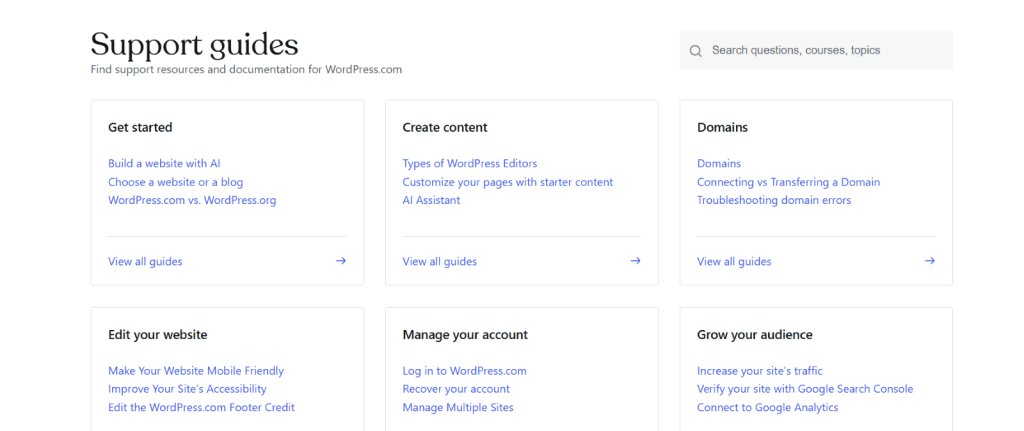
Credit: www.hostingseekers.com

Credit: sites.google.com
Frequently Asked Questions
Does Google Sites Support WordPress Integration?
Google Sites does not support direct WordPress integration. They are separate platforms with different hosting and content management systems. You cannot install WordPress themes or plugins on Google Sites. However, you can link to a WordPress site from Google Sites.
Can I Import WordPress Content Into Google Sites?
Google Sites does not offer a direct import feature for WordPress content. You must manually recreate your content or embed individual elements like videos or documents. This limitation makes Google Sites less suitable for existing WordPress users wanting a seamless transition.
Is Google Sites Better Than WordPress For Blogging?
Google Sites is simpler but less powerful than WordPress for blogging. It lacks advanced customization, plugins, and SEO tools that WordPress offers. For professional blogs, WordPress remains the preferred choice due to its flexibility and extensive features.
Can I Use Custom Domains With Google Sites And WordPress?
Yes, both Google Sites and WordPress support custom domains. Google Sites allows domain mapping via Google Domains or third-party providers. WordPress also supports custom domains, often with more control over DNS settings and domain management.
Conclusion
Google Sites does not support WordPress directly. Both platforms serve different needs. Google Sites is simple for basic pages. WordPress offers more features for complex websites. You can’t install WordPress themes or plugins on Google Sites. But you can link from one to the other.
Choose Google Sites for quick, easy pages. Choose WordPress for full control and growth. Know your website goals before deciding. This helps pick the right tool for you. Both have their place in web creation. Simple or advanced, select what fits best.


