
Choosing the right theme for your WordPress site is like picking the perfect outfit for an important event. It sets the tone, makes a lasting impression, and can significantly impact how visitors perceive your brand.
But with thousands of options available, how do you make the right choice? You might be overwhelmed by the endless possibilities, each promising to be the best. Don’t worry; you’re not alone. In this guide, you’ll discover the secrets to selecting a theme that not only looks stunning but also aligns perfectly with your goals.
Dive in to learn how to captivate your audience and enhance your site’s performance with just a few clicks. Ready to transform your WordPress experience? Let’s get started!
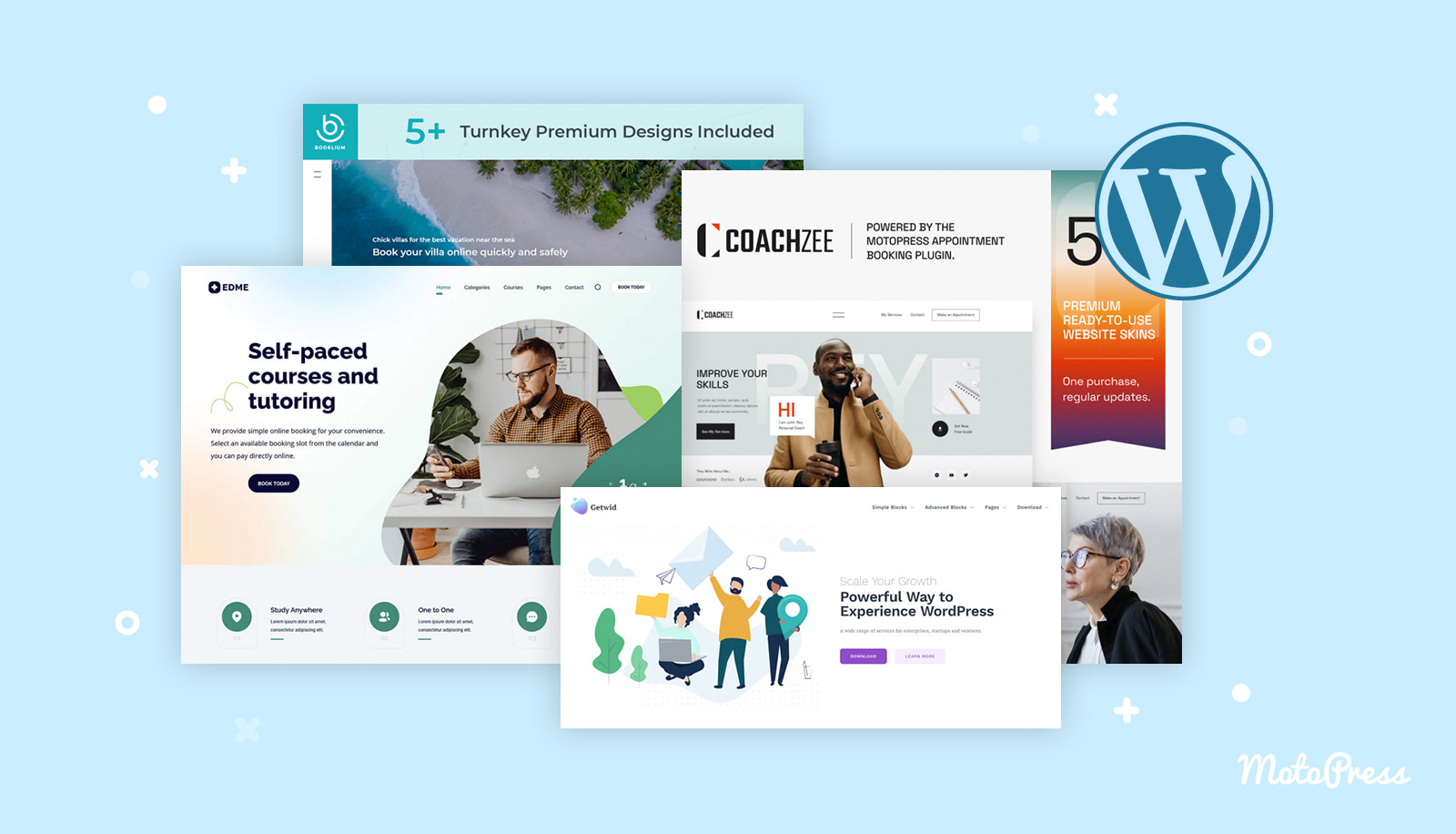
Credit: motopress.com
Factors To Consider
A clear purpose guides theme choice. Selling products? Choose an e-commerce friendly theme. Sharing stories? Pick a blog-centric design. Purpose affects features needed. Plan wisely.
Audience matters in theme selection. Young users like fun designs. Professional visitors prefer clean layouts. Consider language preferences too. Make sure your theme speaks to them.
Design should be appealing. Balance color and font. Ensure readability. Avoid cluttered layouts. Keep it simple yet attractive. Design sets the first impression. Make it memorable.
Theme Functionality
A theme should adjust to all screen sizes. It’s called responsive design. This means it looks good on phones and computers. People like sites that work well on any device. Responsive design helps keep visitors happy. They stay longer.
A good theme helps with SEO optimization. It should be easy for search engines to read. Fast loading speeds and clean code are important. Search engines rank fast sites higher. Well-optimized themes make your site more visible.
A theme must work on all browsers. This is called browser compatibility. People use different browsers like Chrome and Firefox. Make sure your theme looks good on all of them. Test it on various browsers. It’s crucial for user experience.
Customization Options
Choosing a theme that works with your page builder is important. It makes creating pages easy. Themes that support popular builders like Elementor or Divi save time. They allow dragging and dropping elements. No coding needed. This helps make your site look good quickly.
Having many color and font options is useful. It helps match your brand. Some themes let you pick from many color palettes. You can also choose from different fonts. This helps your site look unique. It’s important to express your style.
Good themes offer flexible layouts. You can change the look of pages easily. Some themes let you move sections around. This gives you control over how your site looks. It’s important to have the freedom to design your site. A flexible layout makes this possible.
Performance And Speed
Fast loading themes are crucial. Slow themes can frustrate users. Check theme demo speed. Monitor load times on your site. Choose themes with minimal scripts. Faster sites rank better.
Good code makes themes run smooth. Clean code is essential. Avoid themes with messy code. Messy code can slow down your site. Opt for themes with regular updates. Updates improve code quality.
Images affect site speed. Optimize images for faster loading. Use themes with built-in optimization tools. Small images load quicker. Test image load times on theme demos.
Support And Updates
Developer support is crucial for any theme. Good themes have active support. Developers help solve your problems. They fix bugs quickly. Check if support is included in the theme price. Free themes may have limited help. Paid themes often offer better support. Read about developer reputation. Happy users mean good support.
Regular updates keep themes safe. Updates fix security holes. They add new features. Check update history before choosing a theme. Frequent updates show active development. Old themes may lack updates. This can lead to problems. Choose themes that update often.
User reviews tell you a lot. Reviews share real user experiences. Look for themes with many reviews. Good reviews mean happy users. Bad reviews might show theme issues. Read recent reviews for current opinions. Reviews help you choose wisely.

Credit: www.hostgator.com
Security Features
A theme with secure code keeps your website safe. It reduces the risk of hacking. Always choose themes from trusted sources. This ensures the code is clean and secure. Good code helps your site run smoothly.
A theme should work well with security plugins. These plugins protect your site from threats. Check if the theme supports popular plugins. This will improve your site’s security. A secure theme makes everything safer.
Developers should release frequent security patches. These updates fix security issues. An updated theme stays protected from new threats. Always choose themes with regular updates. This keeps your website safe and sound.
Free Vs. Premium Themes
Choosing between free and premium WordPress themes involves considering budget and features. Free themes suit simple sites with basic needs. Premium themes offer more customization and support, ideal for complex projects.
Cost Considerations
Free themes cost nothing. Premium themes need money. Prices differ a lot. Some are cheap, some are costly. Think about your budget first. Free themes save money. Premium themes may have better features. Decide what you need most.
Feature Comparison
| Feature | Free Themes | Premium Themes |
|---|---|---|
| Design Options | Limited | Many Choices |
| Support | Community Support | Professional Support |
| Updates | Less Frequent | Regular Updates |
Long-term Value
Think about the future. Free themes might not last long. Premium themes often get updates. They stay fresh and secure. Consider your website’s growth. Think about the long-term benefits. Spending now can save time later.
Testing And Previewing
Live Demo Exploration helps you see themes in action. Try clicking around. Check if the theme is easy to use. Look at colors and layout. Does it match your style?
Trial Periods are great for testing themes. Use them to see if the theme works well. Try different features. See if the theme is responsive. Does it look good on phones and tablets?
User Feedback gives real insights. Read reviews from others. Check ratings. Are people happy with the theme? Look for positive comments. Look for complaints too. They help you decide.
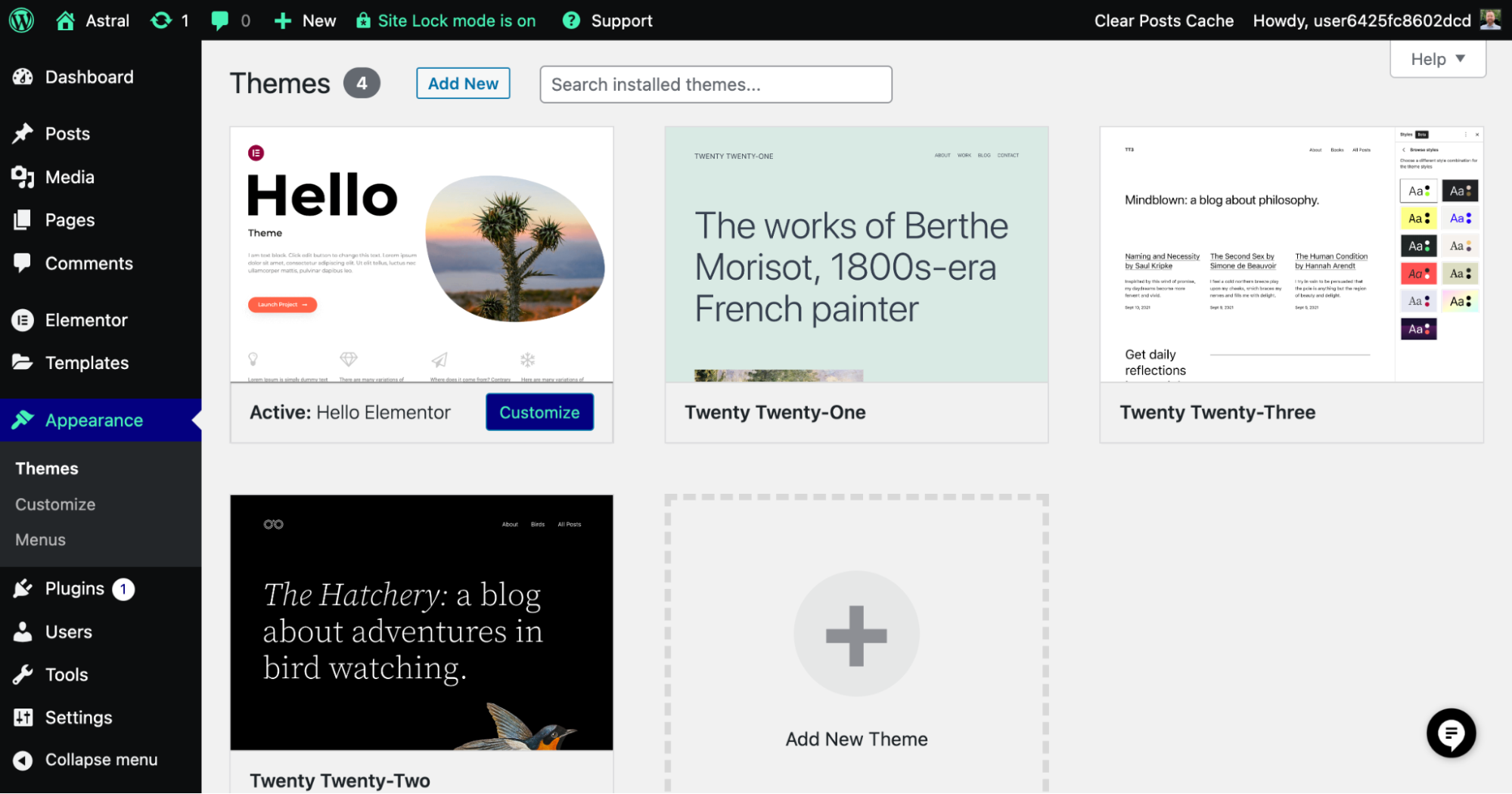
Credit: elementor.com
Frequently Asked Questions
How To Choose A Theme For WordPress?
Choose a theme that aligns with your site’s purpose and audience. Prioritize responsiveness and fast loading times. Check for compatibility with essential plugins. Ensure it offers customization options and has positive reviews. Regular updates and support are crucial for security and functionality.
How Do I Switch The Theme In WordPress?
To switch the theme in WordPress, go to your dashboard. Click on “Appearance” and select “Themes. ” Choose your desired theme and click “Activate. ” Your site will now display the new theme. Always preview themes before activating to ensure compatibility.
How Do I Select A Website Theme?
Choose a theme that aligns with your brand’s style and purpose. Ensure responsiveness for mobile devices. Prioritize fast loading speeds. Opt for customizable features to meet your needs. Verify compatibility with essential plugins.
How To Find Theme Options In WordPress?
Access the WordPress dashboard. Navigate to “Appearance” and select “Customize. ” Explore the “Theme Options” within the Customizer.
Conclusion
Choosing a WordPress theme doesn’t need to be complicated. Consider your site’s purpose first. Next, focus on design and functionality. Check theme reviews for user experiences. Ensure compatibility with plugins. Don’t forget mobile responsiveness. A fast-loading theme boosts user engagement.
Customize with ease; avoid complex setups. Look for regular updates to keep features fresh. Support is crucial, so check for reliable assistance. Free themes are great, but premium ones offer advanced options. Balance aesthetics and performance. With these steps, you can find the perfect WordPress theme that fits your needs.


