
Imagine this: you’ve designed a beautiful form on your website, and now you’re waiting eagerly to collect valuable information from your visitors. But how exactly do you make sure that the information they provide lands safely and accurately on your web host?
It might seem daunting, but fear not! You’re about to uncover the secrets of seamlessly receiving form data, ensuring that every piece of information is captured without a hitch. You’ll learn the simple steps and tools needed to connect your forms directly to your web host.
You’ll gain the confidence to handle data effortlessly, transforming your website into a powerful tool for engagement and interaction. Get ready to dive in and discover how easy it can be to manage and utilize form information effectively.
Form Design Basics
Picking the right form fields is important. Start with basic fields like name and email. Add fields that are necessary for your purpose. Too many fields can confuse users. Keep it simple and clear.
A clean layout makes forms easy to use. Use labels to guide users. Align labels and fields properly. Avoid clutter to keep focus on filling the form. Test your layout on different screens.
Setting Up Your Web Host
Choosing a provider is important. Reliability and speed matter a lot. Look for good customer support. They help when things break. Check reviews online. Real users give honest feedback. Pricing should fit your budget. But don’t always choose the cheapest. Security features are crucial. Protect your data from hackers. Backup services are helpful too. You don’t want to lose your work.
Setup your server correctly. Install the right software for forms. Use PHP or ASP.NET for processing. Make sure your server supports these. Check permissions. Only allow trusted users. Database configuration is key. Store form data safely. Use MySQL or PostgreSQL. They are reliable. SSL certificates are important. They keep data private. Enable email services. Get form notifications quickly. Test everything before going live. Make sure forms work well.
Form Submission Methods
PHP is a popular tool for handling forms. It can process data from web forms. PHP reads data sent by a form. It uses the $_POST or $_GET variables. This way, PHP can store or display the data. This process is simple and efficient. Many websites use PHP for this task.
JavaScript helps make forms interactive. It validates data before sending. JavaScript checks if inputs are correct. It can alert users of errors. This way, users fix mistakes before sending. JavaScript makes forms user-friendly. It enhances user experience on web pages.
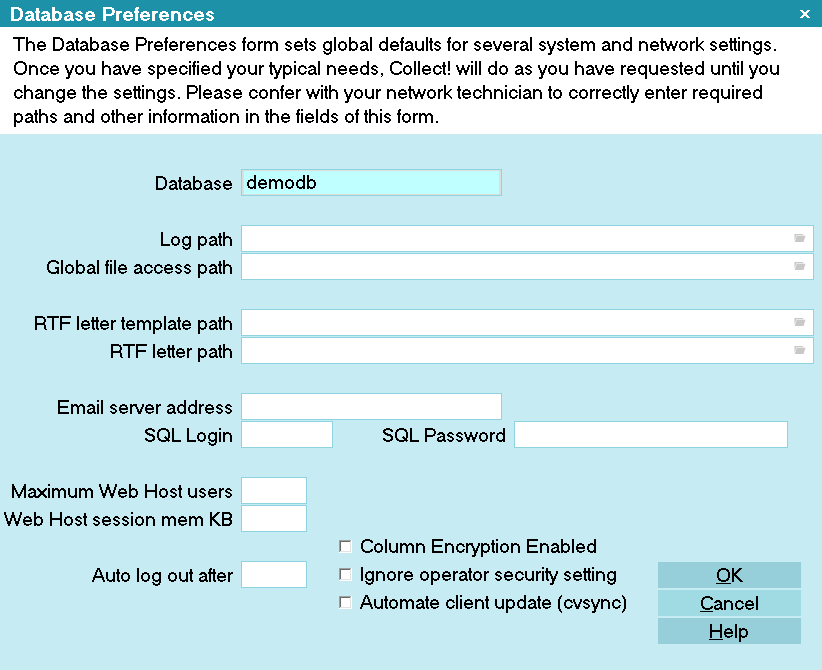
Credit: www.collect.org
Data Validation Techniques
Client-side validation checks data in the user’s browser. It helps users fix errors before sending data. Forms can give instant feedback. This keeps incorrect data away from the server. JavaScript often handles this job. It checks fields like email formats or required entries. Simple error messages guide users to correct mistakes. This saves time and improves user experience. But, it’s not enough to secure data fully.
Server-side validation checks data after it reaches the server. It protects against harmful data. This validation is more secure than client-side. It handles data after submission. Ensures only correct data stays on the server. Helps prevent attacks like SQL injection. Validates data types and formats. Always needed, even with client-side checks. Works in languages like PHP or Python.
Securing Form Data
SSL/TLS encryption keeps form data safe. It stops hackers from reading it. This encryption creates a secure link. Your data travels in secret code. No one can see it. Web hosts use SSL certificates. These certificates prove safety. Your browser shows a lock icon. This lock shows a secure connection. Always use SSL for all forms.
SQL injection is a common attack. Hackers try to break into databases. They use special commands. These commands trick the database. Always check form data carefully. Filter out bad inputs. Never trust user input. Use prepared statements. They help stop bad commands. This keeps your data safe.

Credit: www.liquidweb.com
Storing Form Data
Databases are great for storing structured data. They keep data safe and easy to find. MySQL and PostgreSQL are two popular choices. They organize data in tables. Each table has rows and columns. This makes searching data fast. Data can be filtered using queries.
Files are useful for storing unstructured data. Text files are easy to use. They store data in plain text. JSON files store data in key-value pairs. They are great for web apps. CSV files save data in comma-separated values. These are good for spreadsheets.
Testing The Form
Forms must work correctly. Errors can confuse users. Ensure fields validate input properly. This prevents incorrect data submission. Use clear messages for wrong input. These messages guide users. Form errors should be easy to fix. Test forms with different inputs. Make sure all fields respond correctly.
Data should be safe and correct. Secure connections help protect data. Use HTTPS for secure transmission. Avoid storing sensitive data directly. Hash passwords before storing them. Regular checks ensure data stays accurate. Verify data types in each form field. Consistent data format is crucial. Proper checks maintain data quality.
Troubleshooting Common Issues
Receiving form information to a web host can be challenging. Ensure correct server settings to handle data efficiently. Validate form fields to prevent errors and secure sensitive user information.
Handling Submission Errors
Form submissions can fail due to missing fields or invalid data. Always check if required fields are filled. Verify email addresses and phone numbers. Look for unexpected characters in text fields. Special characters can cause problems. Ensure your form is well-tested before going live. It helps catch errors early.
Debugging Server Responses
Server responses can be tricky. Check the HTTP status codes first. A 200 code means success. Codes like 404 or 500 indicate errors. Use logs to understand server issues. Check for timeout errors. Slow servers can affect form submissions. Optimize server settings for better performance.
Improving Form Performance
Fast load times are important. They make users happy. Slow forms can be annoying. Use smaller images and simple designs. This will help the form load faster. Compress files to make them smaller. This helps too. Use fewer scripts on your page. Only use scripts you really need.
A good user experience keeps people on your site. Make forms easy to fill out. Use clear labels for all fields. This helps users know what to do. Offer helpful hints if needed. Short forms are better. Long forms can be tiring. Use simple colors and fonts. This makes the form easy to read.
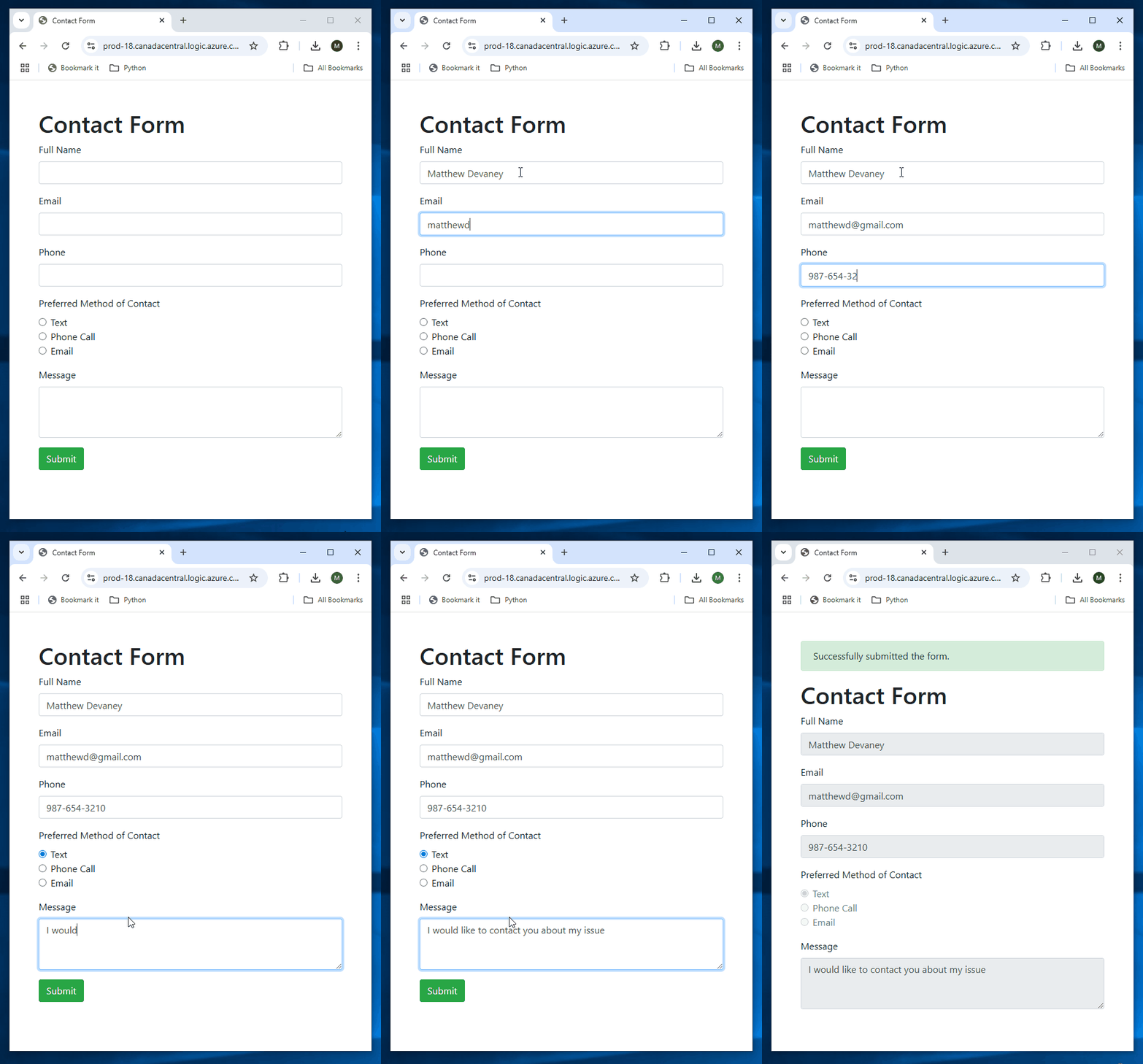
Credit: www.matthewdevaney.com
Frequently Asked Questions
How Do I Pass Form Data To Url?
To pass form data to a URL, append the data as query parameters. Use the format: `? key1=value1&key2=value2`. Ensure data is URL-encoded to handle special characters. Include all necessary keys and values for proper data transmission.
How Does The Form Information Get From The Browser To The Server?
Form data travels from the browser to the server using HTTP requests, commonly via GET or POST methods. The browser packages the form information into the request body and sends it to the server’s URL. The server then processes this data, allowing for interaction between client and server.
How Do I Send Data From Form To Server?
Use HTML forms to collect data. Set the form method to POST or GET. Specify the server URL in the action attribute. Use JavaScript or PHP to process and send data to the server. Ensure proper form field validation for successful data transfer.
Which Http Method Is Used To Send Form Data To A Web Server?
The HTTP POST method sends form data to a web server. It efficiently handles large amounts of data. Use POST for secure and sensitive data submissions. It doesn’t append data to the URL, ensuring privacy. POST is widely used in web forms for creating and updating resources.
Conclusion
Receiving form information on your web host is straightforward. Follow the steps outlined here. Choose the right tools for seamless integration. Test your form setup regularly. Ensure data security and privacy. Review form submissions consistently. Make adjustments as needed. Keep the user experience smooth and efficient.
This process enhances your site’s functionality. It also helps gather valuable insights from your visitors. With these tips, managing form data becomes easier. So, stay proactive and keep your website running smoothly. Now, you’re ready to handle form information efficiently on your web host.


