
Have you ever wondered how to make your WordPress photo gallery look stunning and unique? Imagine a layout that showcases your images in an organized yet dynamic fashion, enhancing visual storytelling on your website.
That’s precisely what the masonry gallery layout offers. This intriguing design arranges your images in a grid pattern, where pieces fit together like a jigsaw puzzle, creating a beautiful, seamless display. Curious about how it works? As you delve into this article, you’ll discover the charm and functionality of masonry galleries in WordPress.
You’ll learn why this layout captivates visitors, making them linger longer on your page. Unlock the secrets to elevating your website’s aesthetic appeal and making your content stand out. Are you ready to transform your gallery into a visual masterpiece? Keep reading to find out how!
Masonry Gallery Layout Basics
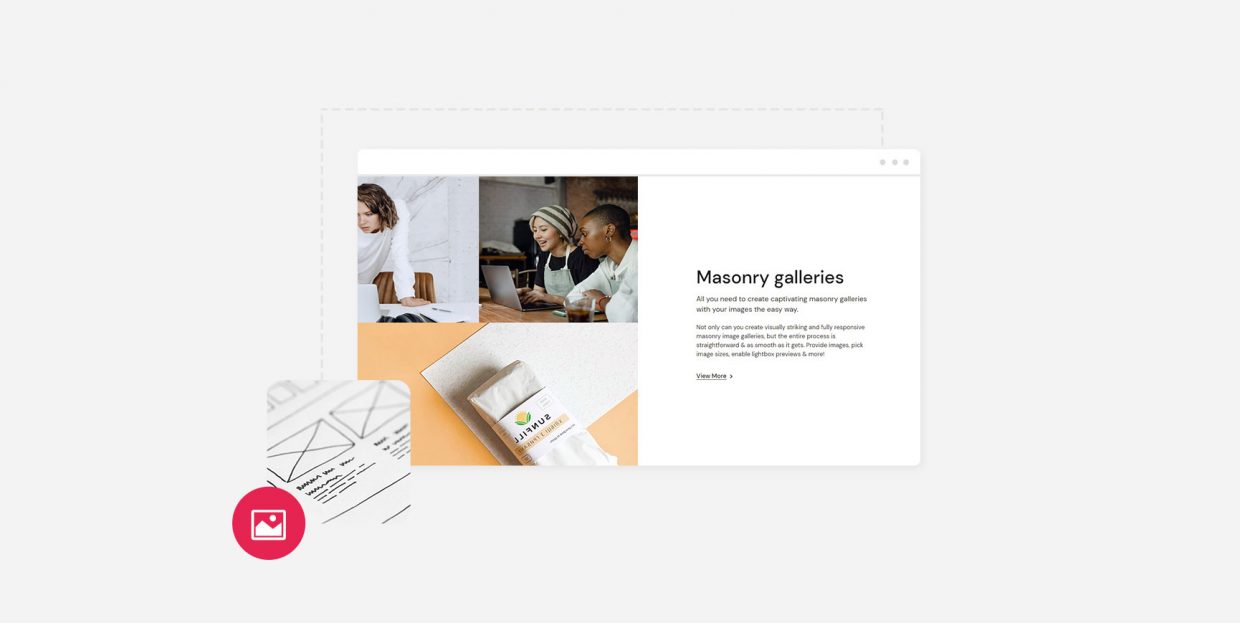
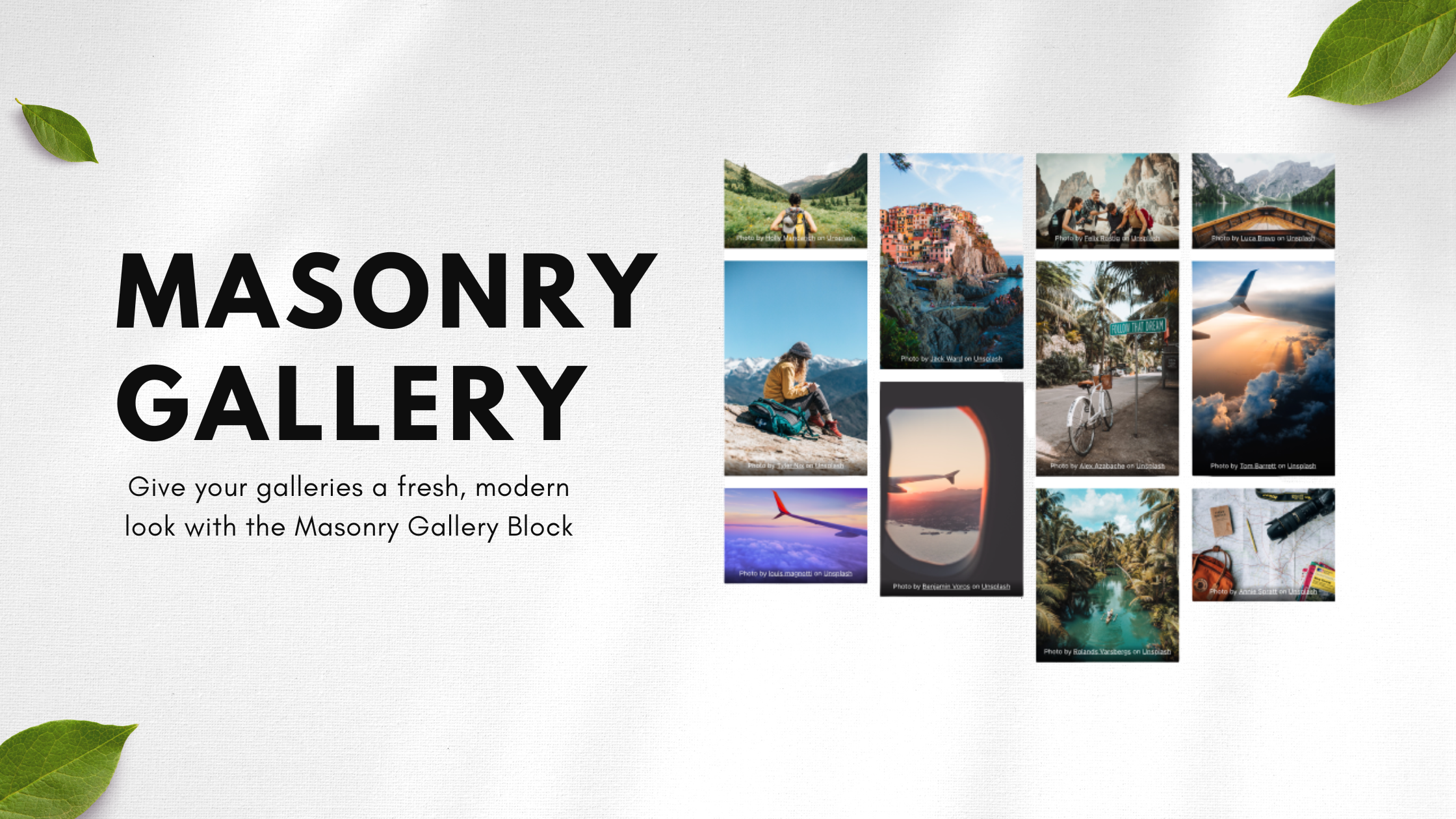
The Masonry Gallery Layout is like a puzzle. It shows images in a grid. But not in a straight line. Some pictures are tall. Some are wide. This makes the gallery look interesting and fun. It feels like a beautiful mess. Every picture fits perfectly. No gaps. It works well on small screens. It also looks great on big ones.
Each image stands out. This layout is perfect for photography and art. It shows the beauty of every piece. Users love how it feels. It’s like walking through an art gallery. The layout keeps people engaged. They want to see more. That’s why many choose this style. It’s simple yet effective.
Credit: qodeinteractive.com
Key Features Of Masonry Layout
The masonry layout looks like a wall with bricks. Each image fits in a block. Blocks have different sizes. This layout shows images in a unique way. It does not follow a grid. The blocks do not match in height. This gives a natural look. It is like a puzzle of pictures. This layout is great for showing off photography or artwork. It keeps things interesting.
There is no space wasted. Every block fits snugly. It makes the gallery look neat. The layout is also responsive. It looks good on any device. From phones to big screens, it adjusts well. This layout helps users enjoy the pictures more. They can see the beauty in every image.
Setting Up A Masonry Gallery In WordPress
The right plugin makes a big difference. Some plugins are easy. Some are hard. Pick one that is simple. Popular ones are often better. Check reviews. Read what others say. This helps you choose well.
Find your chosen plugin. Go to the WordPress dashboard. Click on “Plugins.” Search for your plugin name. Click “Install Now.” Wait a bit. Then, press “Activate.” Your plugin is now ready.
Open the plugin settings. Look for “Gallery” options. You will see different choices. Choose a layout. Masonry is a popular choice. Adjust the size of images. Make sure they fit well. Save your changes. Your gallery is now set.
Customizing The Gallery Appearance
Columns in a masonry gallery can be wide or narrow. Each column holds pictures. You can make columns wider or narrower easily. This changes how many pictures fit in a row. More pictures in a row look busy. Fewer pictures look clean. Play with column sizes to find what looks best.
Each picture can have a caption. Captions tell more about the picture. Descriptions can be longer and give details. Captions and descriptions help people understand pictures. Add these to make your gallery more interesting. It’s like telling a story with pictures and words.
Hover effects make galleries fun. Move a mouse over a picture. Something changes. Maybe the picture zooms in. Or text appears. Hover effects catch the eye. They make galleries feel alive. Try different effects. See which ones you like best.
Responsive Design Considerations
Masonry gallery layout adjusts to different screen sizes. Images appear in neat columns. No empty spaces between them. This layout is mobile-friendly. It adapts to all devices. Smartphones and tablets included. Users get a seamless viewing experience. Easy navigation on any screen.
Each image keeps its aspect ratio. No distortion. This helps maintain quality. Galleries look sharp on every device. Load time is also fast. Optimized images make it happen. Users enjoy quick access to photos. No waiting for images to appear.
Customizable settings let you adjust the layout. Choose the number of columns. Alter gaps between images. Create a unique gallery look. Flexibility is key. Make changes without hassle. Perfect for every website need.

Credit: wpmudev.com
Optimizing Masonry Galleries For Seo
Masonry gallery layout in WordPress arranges images in a grid with varying heights. This setup creates a dynamic and visually appealing display. Each image aligns neatly, enhancing user experience and engagement.
Image Optimization Techniques
Make your images load faster. Use the right file type. JPEGs are good for photos. PNGs work well for graphics. Keep file sizes small. Images should be under 200KB. This helps your website run smooth.
Use descriptive file names. Instead of “IMG1234”, try “sunset-beach”. This tells search engines what the image is about. Your images need to be clear and bright. This makes them look good on all devices.
Utilizing Alt Text Effectively
Alt text is important for SEO. It tells what the image shows. Use simple words. Describe the image in one sentence. For example, “A cat sitting on a red chair”. This helps people who can’t see the image.
Alt text helps search engines. They use it to understand your images. Make sure all images have alt text. This makes your site more accessible and search-friendly.
Troubleshooting Common Issues
Masonry gallery layout in WordPress arranges images in a grid, creating a visually appealing display. This layout showcases photos in various sizes, optimizing space and enhancing aesthetic appeal. Users enjoy seamless browsing through this dynamic, organized presentation.
Dealing With Layout Gaps
Masonry galleries in WordPress can have gaps. These gaps look odd. To fix this, check your image sizes. Make sure they are the same size. Smaller images might cause gaps. Adjust the settings for consistent spacing. Sometimes, plugins can help. These plugins help align images perfectly. Always update plugins for the best results. A clean layout looks better.
Fixing Loading Time Delays
Slow loading can frustrate users. Large images often cause delays. Compress images to speed up loading. Use tools like image compressors. They reduce image size without losing quality. Another tip is to use a content delivery network (CDN). CDNs can make images load faster. Also, check your hosting service. Good hosting improves speed. Fast sites keep visitors happy.
Credit: gutenberghub.com
Best Practices For Masonry Galleries
High-quality images make your gallery look great. They grab people’s attention quickly. Use images that are clear and sharp. Blurry pictures can confuse viewers. Always pick images with good lighting. Bright images stand out more. Remember, each photo tells a story. So choose wisely.
Consistent style helps your gallery look neat. Use the same size and shape for each photo. This keeps everything in order. Colors should match or blend well. A similar theme makes photos look connected. Mixing too many styles can be confusing. Stick to a few colors and themes. Your gallery will look more professional.
Frequently Asked Questions
What Is A Masonry Gallery Layout In WordPress?
A Masonry Gallery Layout displays images in an organized grid. It arranges photos of varying sizes neatly, creating a visually appealing design. This layout enhances user experience by allowing for a dynamic and artistic presentation. It’s perfect for showcasing portfolios, art, or any image-rich content.
How Does Masonry Layout Differ From Grid?
Masonry Layout arranges images in a staggered pattern, unlike a uniform grid. It fills gaps automatically, creating a seamless flow. This design adapts to images of different sizes, offering a more dynamic look. Grid layouts, however, maintain strict rows and columns, limiting flexibility.
Why Use Masonry Layout In WordPress?
Using Masonry Layout offers a modern and engaging design. It optimizes space by accommodating images of different sizes. This layout enhances aesthetic appeal and improves navigation. It’s ideal for photographers, artists, or any site showcasing multiple images, providing a unique visual experience.
Can I Customize Masonry Gallery In WordPress?
Yes, customization options are available for Masonry Galleries in WordPress. You can change image sizes, spacing, and layout patterns. Plugins and themes offer additional features to tailor the design. This flexibility allows you to create a gallery that suits your specific needs and style.
Conclusion
Exploring the masonry gallery layout in WordPress can enhance your website’s look. This layout offers a stylish and organized way to display images. It arranges photos in a grid with different sizes. This makes your gallery more dynamic and visually appealing.
Users can easily browse through your content. Adding this layout is simple with WordPress plugins and themes. It’s an effective method to showcase your work or ideas. Try it out to see how it can improve your site. A beautiful gallery can engage visitors and keep them on your page longer.



