
Have you ever wondered what makes building a website so accessible, even for those who aren’t tech-savvy? The answer often lies in a powerful platform called WordPress.
Whether you’re dreaming of starting your own blog, setting up an online store, or showcasing your portfolio, WordPress can be your go-to tool. It’s like having a digital Swiss Army knife that adapts to your needs. But why should you care about WordPress, and how can it transform your ideas into reality?
Stick around, because by the end of this article, you’ll discover how WordPress can be a game-changer for your online presence.
Credit: www.nodespace.com
History And Evolution
WordPress started in 2003. It was made by two developers. Their names were Matt Mullenweg and Mike Little. They wanted a simple blog platform. It was based on another tool called b2/cafelog. WordPress quickly became popular. Many people liked its easy use.
Over time, WordPress added new features. It became more than a blog tool. Users could create full websites. Themes and plugins made customization easy. This flexibility was loved by many.
WordPress is open-source software. This means anyone can see its code. Many developers around the world contribute. The community is big and helpful. They work together to improve WordPress.
Key Features
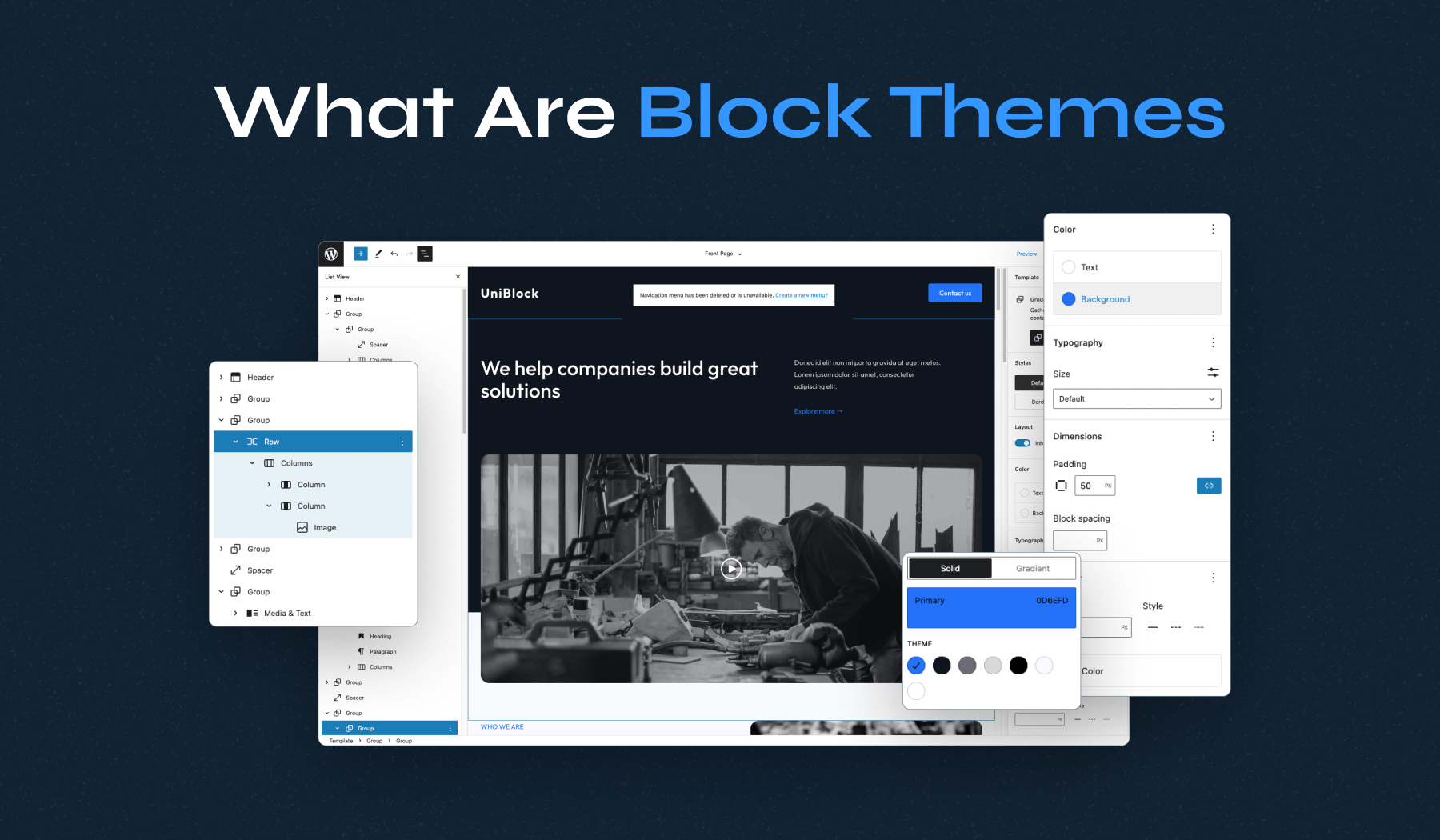
WordPress offers a huge variety of themes. Users can pick from free or premium options. Themes help to change the look of websites easily. Customization is simple with WordPress. Users can tweak colors, fonts, and layouts. It’s easy to make a site unique.
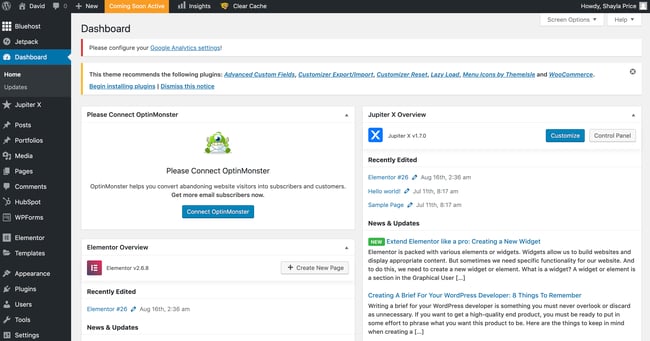
Plugins add new features to WordPress sites. There are thousands to choose from. Some plugins help with security. Others add social media buttons. Extensions make WordPress flexible. Users can build sites for any purpose.
WordPress is great for SEO. It helps sites rank higher on search engines. Users can easily change URLs and titles. Plugins like Yoast guide users to improve SEO. WordPress makes it easy to be found online.
User management in WordPress is simple. Site owners can create user roles. Roles include admin, editor, and subscriber. Each role has different permissions. This helps keep sites organized. It’s easy to manage users.
Benefits
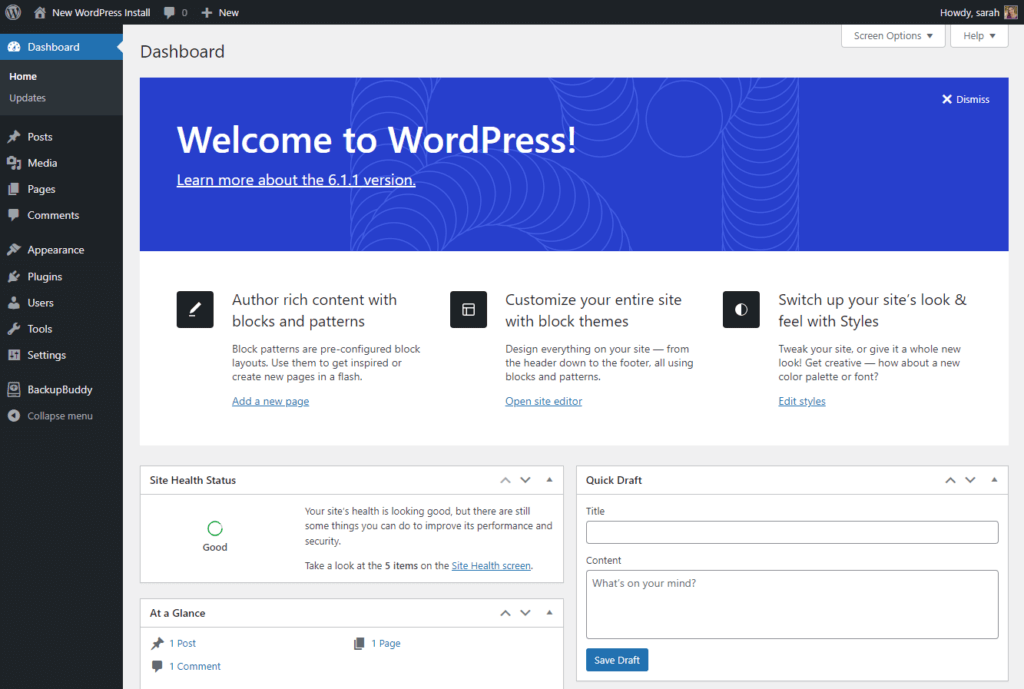
WordPress is very easy to use. You don’t need to be a tech expert. It’s simple to add new posts and pages. The interface is friendly. Even beginners can learn fast. It saves time and effort. You can focus on creating content, not coding.
WordPress is very flexible. You can create any type of website. From blogs to online stores, it does all. Scalability means it grows with you. Start small and expand big. You can add plugins and themes. This helps your site do more and look better.
WordPress has a huge community. Many people use it worldwide. They help each other with problems. You can find answers quickly. There are forums and guides. Support is always available. This makes WordPress a safe choice for everyone.
Common Use Cases
WordPress is great for sharing stories and ideas. Many people use it to write about their daily life or hobbies. It’s easy to set up and use. You can choose from many themes to make your blog look nice. Add pictures and videos to make it more interesting. Connect with readers through comments.
Companies use WordPress to show what they offer. It’s simple to create pages about products or services. You can add contact forms for customers to reach you. There are plugins for booking and scheduling. Make your site look professional with custom designs. SEO tools help your site appear in searches.
Selling online is easy with WordPress. Use WooCommerce for your store. Add products and set prices. Customers can buy directly from your site. Track orders and manage inventory easily. Secure payment options are available. Customize your store with different layouts. Provide a smooth shopping experience for users.
Security Considerations
Updating WordPress is very important. It keeps your site safe. New updates fix security holes. Always use the latest version. This can stop attacks. Updates also improve performance. Keep your plugins updated too. They also need the latest version. Check for updates often.
Backups are a safety net. They protect your data. If something goes wrong, you can restore it. Use automatic backups. This saves time. Many plugins offer backup services. They make it easy. Store backups in secure locations. Choose a strong backup system. Test your backups regularly.
Security plugins guard your site. They stop hackers. Good plugins offer firewalls. They block bad traffic. Some plugins scan for malware. They clean infected files. Choose plugins with strong ratings. They are more reliable. Install only trusted plugins. Keep your site safe with these tools.
Credit: www.wpzoom.com
Future Trends
WordPress continues to evolve, shaping how websites are created and managed. Future trends focus on improved user experience and security. Emphasizing customization and speed, WordPress adapts to the changing needs of businesses and individuals.
Gutenberg Editor
WordPress users love the Gutenberg Editor. It helps create pages with ease. Blocks are used to add text, images, and more. This makes editing simple. Users can move blocks around. Change is quick. Making a page look good is easy. Gutenberg is improving all the time. Updates bring new features. This editor is here to stay. People find it helpful. It saves time and effort. Easy and fast.
Headless Cms
A Headless CMS separates content from design. Content can be used anywhere. It fits websites and apps. Developers love its flexibility. No need to match design and content. Everything works smoothly. Changes are quick and easy. It allows endless possibilities. This trend is gaining popularity. More people are using it. Headless CMS offers freedom. It’s a smart choice.
Ai Integration
AI Integration is shaping WordPress. It helps with tasks. AI suggests content ideas. It makes writing easier. AI can improve SEO. It gives smart tips. Users get help with keywords. AI learns and adapts. It gets better over time. Many find it useful. AI is the future of WordPress. It brings new opportunities.
Credit: blog.hubspot.com
Frequently Asked Questions
What Is WordPress Used For?
WordPress is a versatile platform for creating websites and blogs. It’s widely used for personal blogs, business sites, and e-commerce stores. It offers customizable themes and plugins, making it adaptable for various needs. Its user-friendly interface makes it accessible for beginners and professionals alike.
Is WordPress Free To Use?
Yes, WordPress is free to use. It’s an open-source software, meaning you can download and use it without cost. However, you’ll need to pay for hosting and domain registration. Some premium themes and plugins may also have costs, depending on your site’s requirements.
How Secure Is WordPress?
WordPress is generally secure but requires regular updates. Keeping themes, plugins, and the core software updated enhances security. Using reputable plugins and themes also helps. Implementing additional security measures, like strong passwords and security plugins, further protects your site from vulnerabilities.
Can WordPress Handle E-commerce Sites?
Yes, WordPress can handle e-commerce sites effectively. With plugins like WooCommerce, you can set up online stores easily. These plugins offer features like product listings, payment gateways, and inventory management. WordPress’s flexibility allows customization to suit specific e-commerce needs.
Conclusion
WordPress stands as a reliable platform for creating websites. Its user-friendly interface attracts beginners and experts alike. You can build blogs, portfolios, or business sites with ease. Thousands of plugins and themes offer endless customization. This flexibility ensures your site meets unique needs.
With strong community support, help is always available. Security features keep your data safe. Regular updates enhance functionality and fix issues. Start exploring WordPress today for efficient web solutions. It’s a solid choice in the digital world. A tool many trust and rely on.
Create, manage, and grow your online presence seamlessly.


